
The Switch 2’s 7.9-inch 1080p panel is the part you look at every session — and the part that collects the most abuse: dock rails, bag zips, keys in the same pocket, the occasional knock against a table edge. A clear film should take that abuse without changing what you see. This one does.
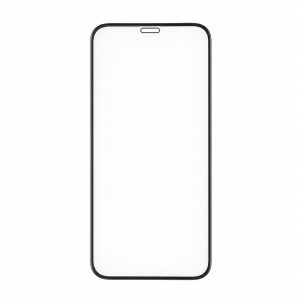
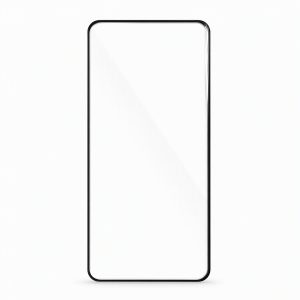
It is cut 1:1 from the front glass, not from a generic rectangle: 196 × 108 mm, edge to edge left and right, with the same rounded corners as the console and about 4 mm of clearance at the top and bottom. There is no camera cutout to align, no notch to trap dust and no black border to break the outline. Because the film covers the black bezel as well as the active area, dust does not build up along the edge of the display.
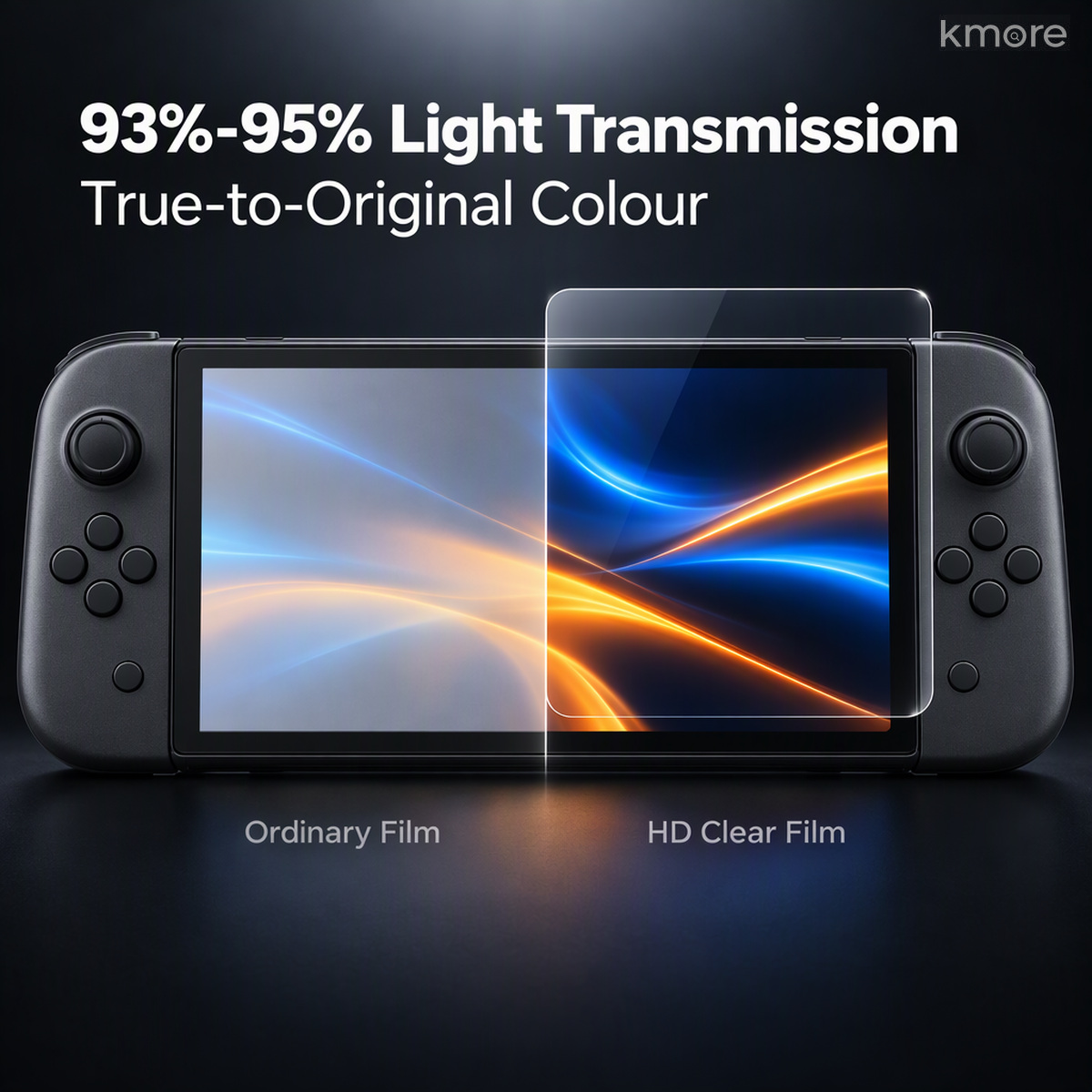
The substrate is high-alumina silicate tempered glass at 0.3 mm. Front transmittance measures 93%–95%, so the image stays neutral rather than grey, and the 120 Hz panel still feels like 120 Hz under the finger. The surface is finished with a vacuum-electroplated oleophobic layer (water contact angle 110° or more), and the silicone full-adhesive layer releases trapped air on its own after you lower the film.
For importers and distributors, this is a single-SKU line for the Switch 2 install base: one film size, one detail page, OEM packaging and silk-printed logo available on request.
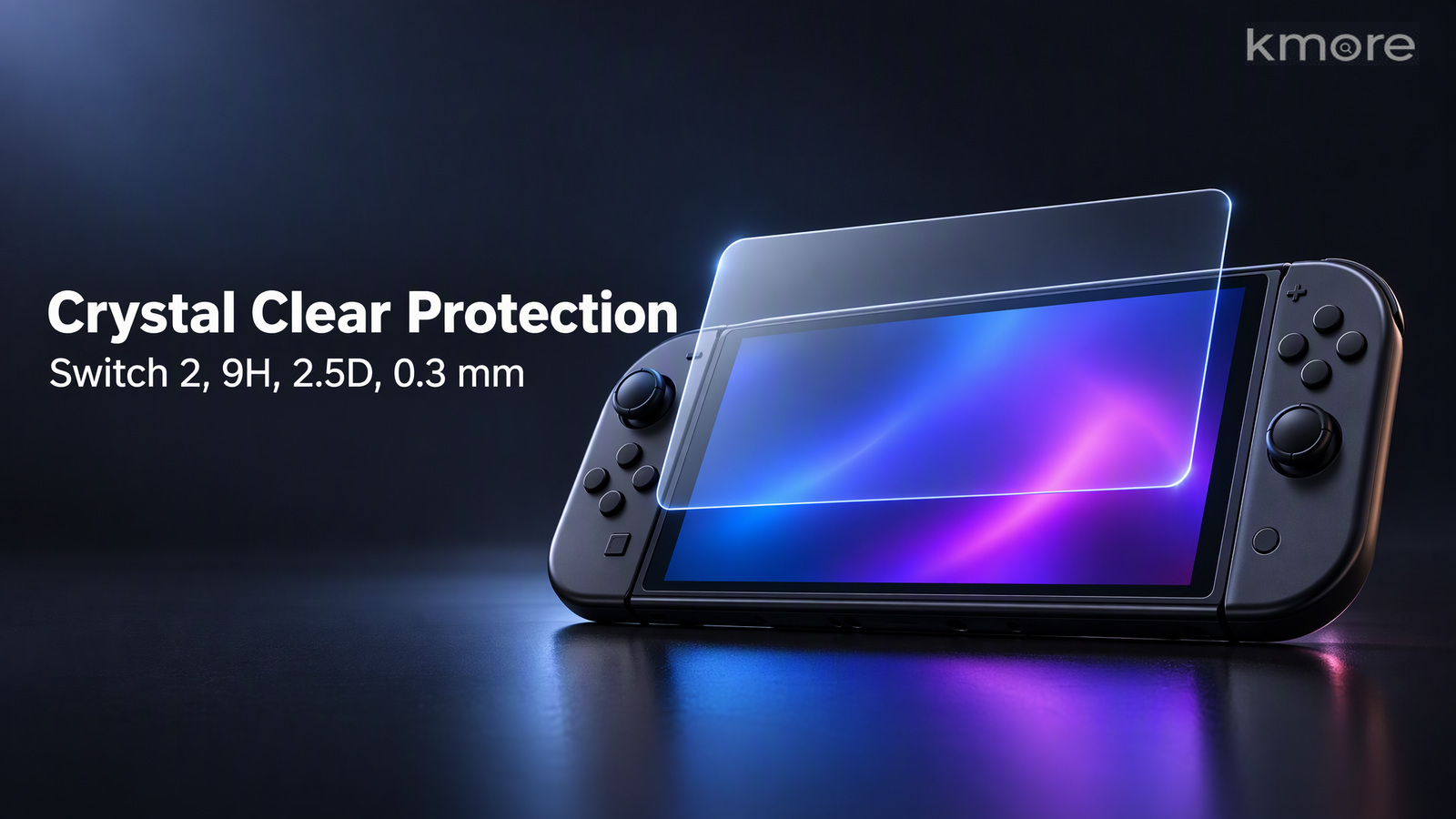
Key Features
1. 93%–95% Transmittance — the Panel Keeps Its Colour
High-alumina silicate glass with 93%–95% front transmittance costs very little brightness or contrast. Dark scenes stay dark instead of turning grey, text stays crisp, and the 7.9-inch 1080p image keeps the colour balance Nintendo calibrated rather than the washed-out look of a cheap PET film.
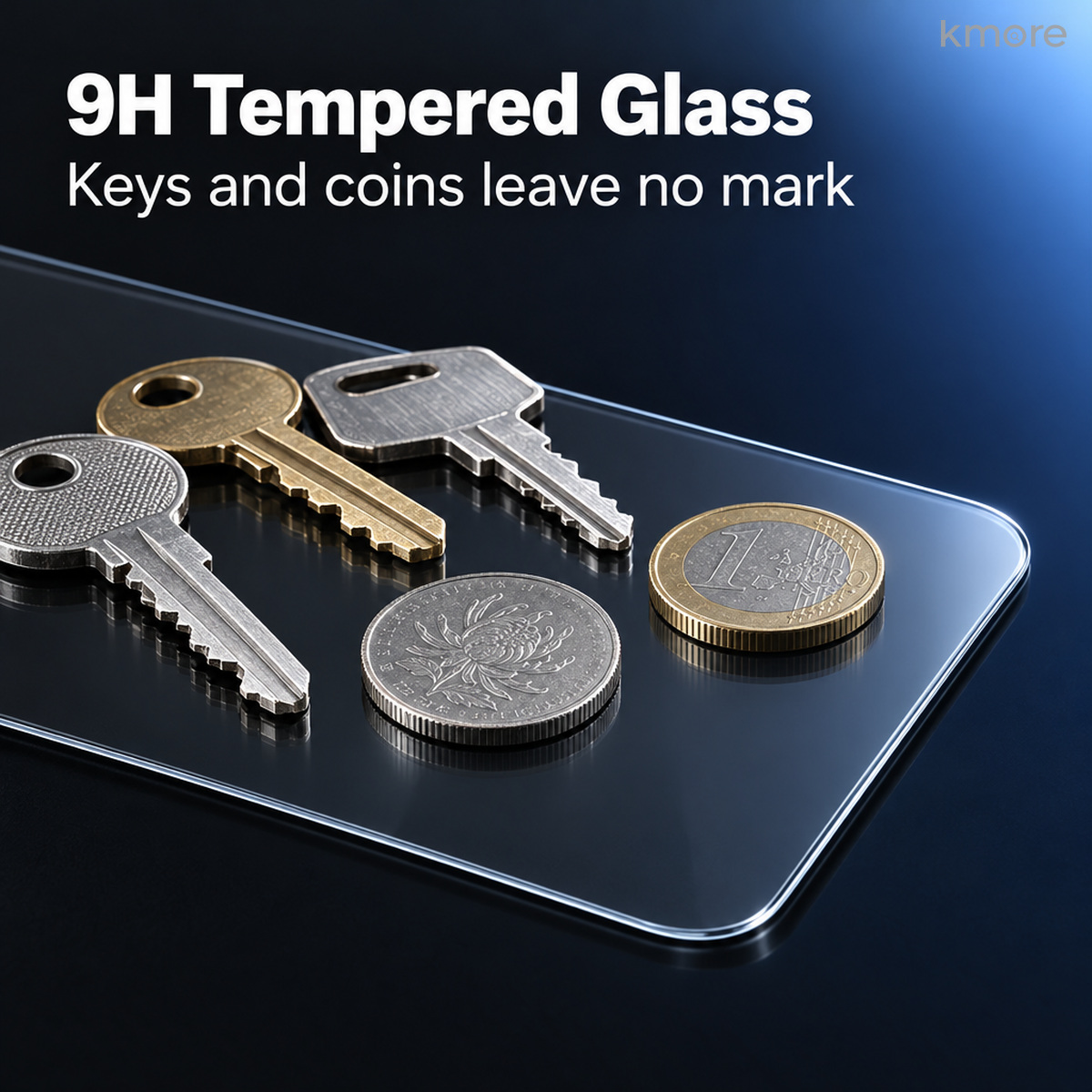
2. 9H Tempered Glass — Keys, Coins and Dock Grit
Surface hardness reaches 9H on the pencil scale. Keys, coins and the grit that collects in a dock or a bag leave no mark on the glass. If the film does take a hit, it breaks into blunt fragments instead of sharp shards, absorbing the impact on behalf of the original panel.
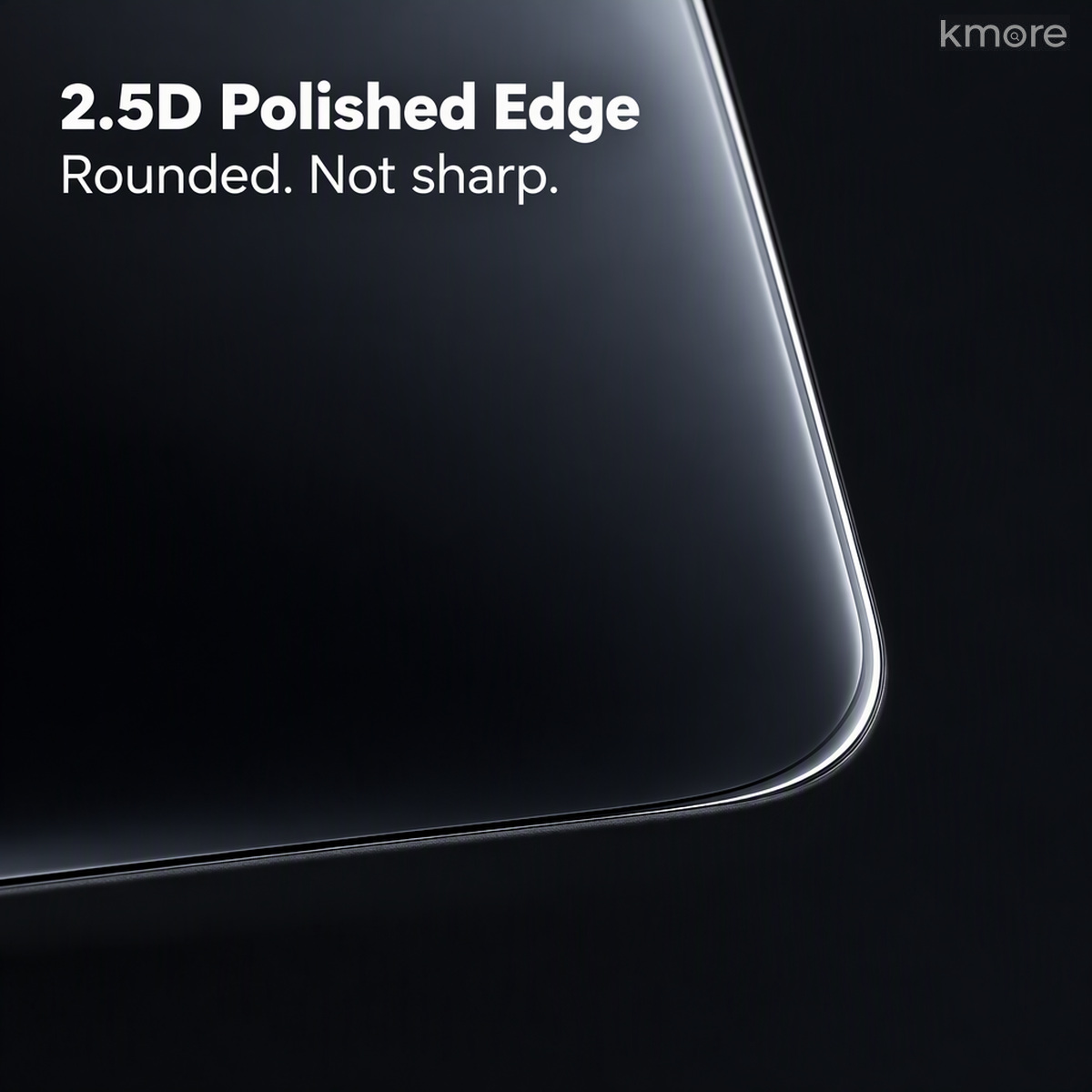
3. 2.5D Polished Edge — No Sharp Rim Under the Thumbs
The perimeter is arc-polished to a 2.5D profile, so the edge rolls away instead of biting into your palm during a long handheld session. The transition from glass to bezel is smooth enough that you stop noticing it after a few minutes.
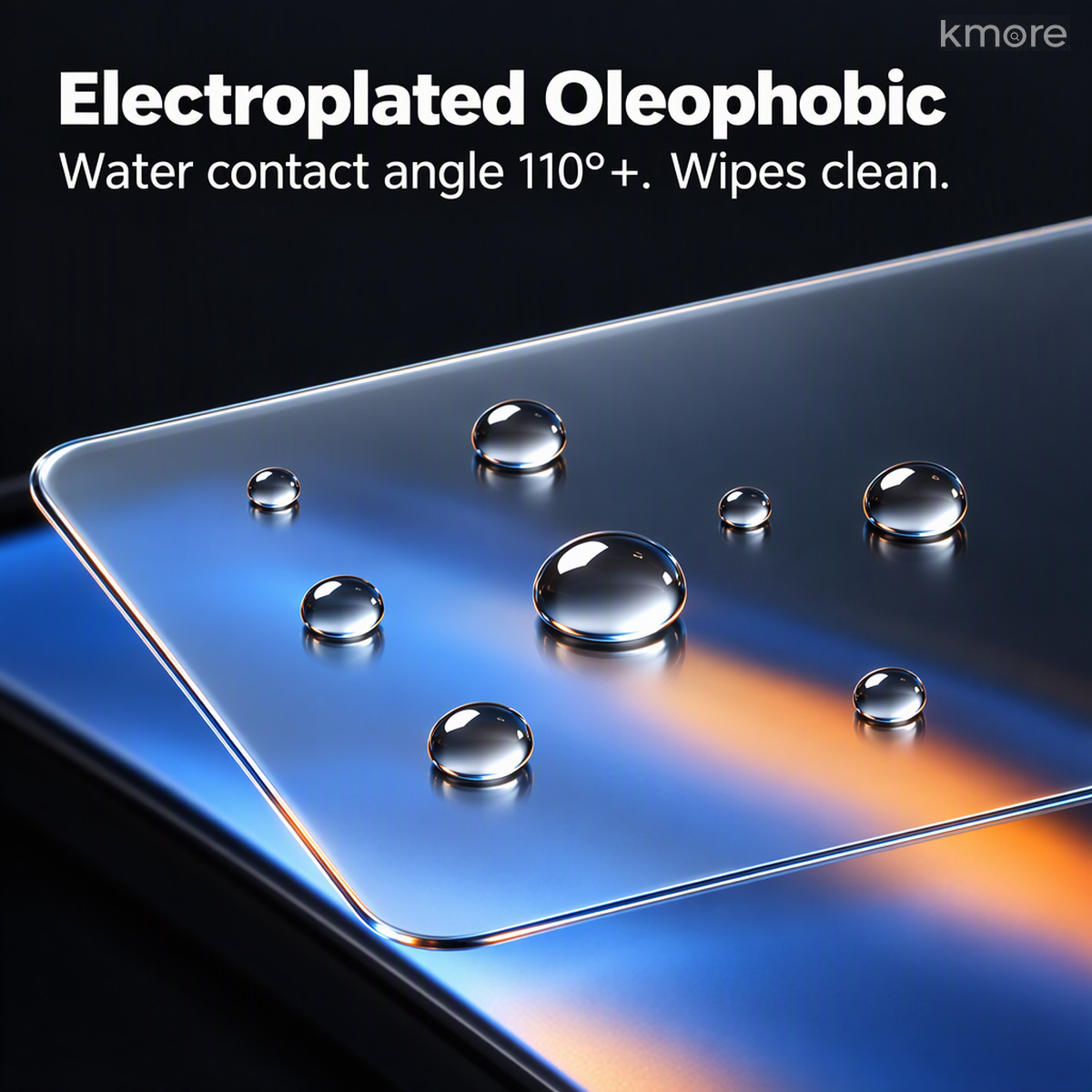
4. Electroplated Oleophobic — Wipes Clean in One Pass
A vacuum-electroplated anti-fingerprint layer, evenly distributed rather than sprayed on, gives a water contact angle of 110° or more. Sweat and oil stay on the surface instead of soaking in, so a sleeve or a microfibre cloth clears the screen in one pass — useful when several people pass the console around.
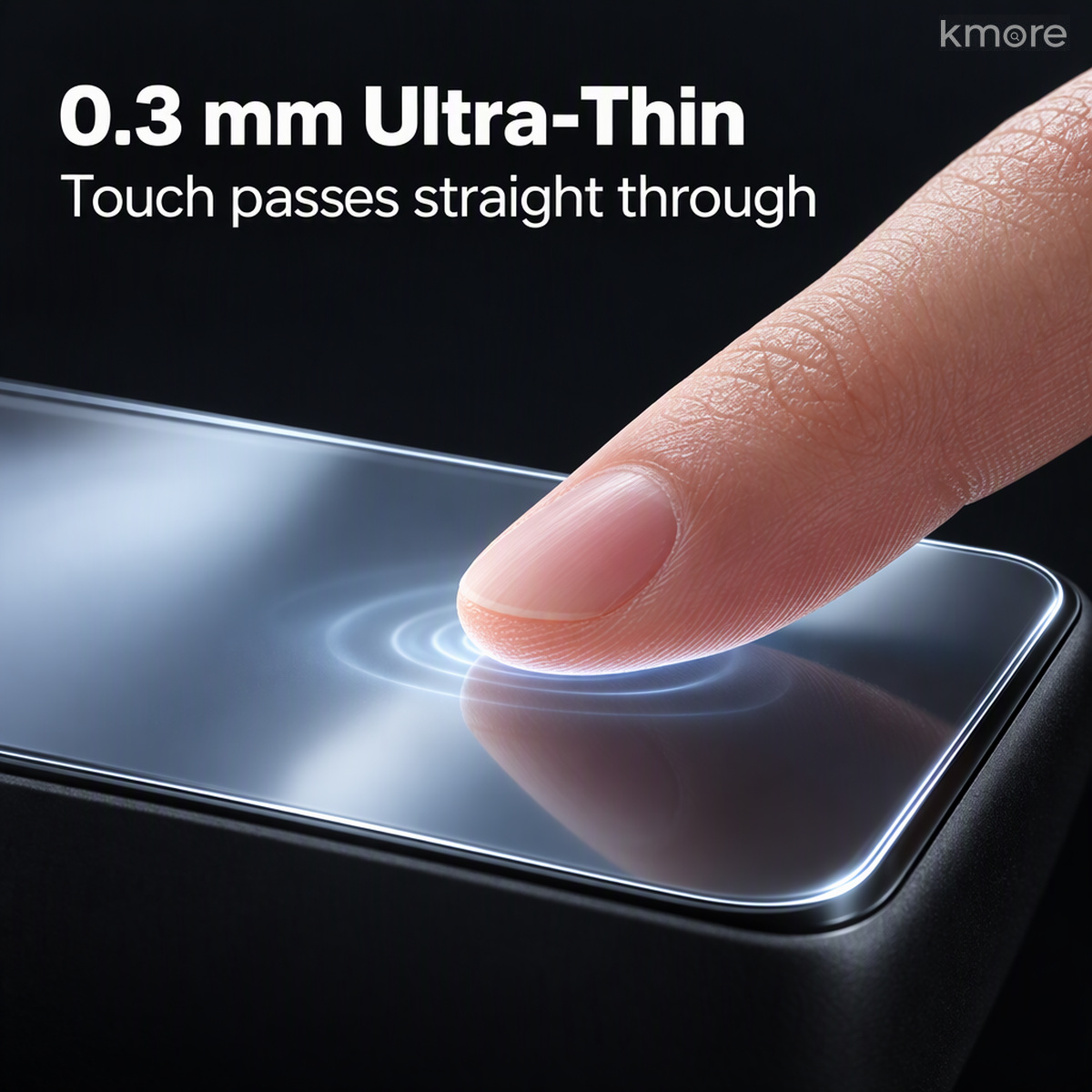
5. 0.3 mm — 120 Hz Touch Stays Native
At 0.3 mm the film adds almost nothing to the front stack. Touch latency stays where the panel put it, so fast menu navigation and motion-controlled games feel the same as they do on bare glass.
6. Silicone Full Adhesion — Bubbles Release Themselves
The whole surface is coated with silicone adhesive, not just the border. Lower the film and trapped air migrates outwards on its own; any small bubble left at the edge can be pushed out with a thumb. No glue residue, no white halo, and the film can be lifted and repositioned during installation.
7. Full-Front 196 × 108 mm Cut — Edge to Edge, No Cutout
Cut to the actual front glass rather than the active display area: 196 × 108 mm, rounded corners matched to the console, no camera hole, no notch, no black print. The film reaches the left and right edges, so there is no dust line where the display meets the bezel, and the 0.3 mm profile does not interfere with Joy-Con 2 attachment or sliding the console into the dock.
Specifications
| Brand compatibility | Nintendo Switch 2 |
|---|---|
| Model coverage | Switch 2 (7.9-inch LCD, 1920×1080, 120 Hz) |
| Film type | HD clear tempered glass film |
| Substrate | High-alumina silicate tempered glass |
| Front transmittance | 93%–95% |
| Surface hardness | 9H (pencil scale) |
| Thickness | 0.3 mm |
| Edge finish | 2.5D polished rounded edge |
| Coating | Vacuum-electroplated oleophobic layer, water contact angle ≥110° |
| Bonding | Silicone full adhesion |
| Cut | 196 × 108 mm full-front, rounded corners, no cutout, no black border |
| In the box | Tempered glass ×1, wet wipe, dry cloth, dust-removal sticker, positioning tab |
Installation Tips (5 Steps)
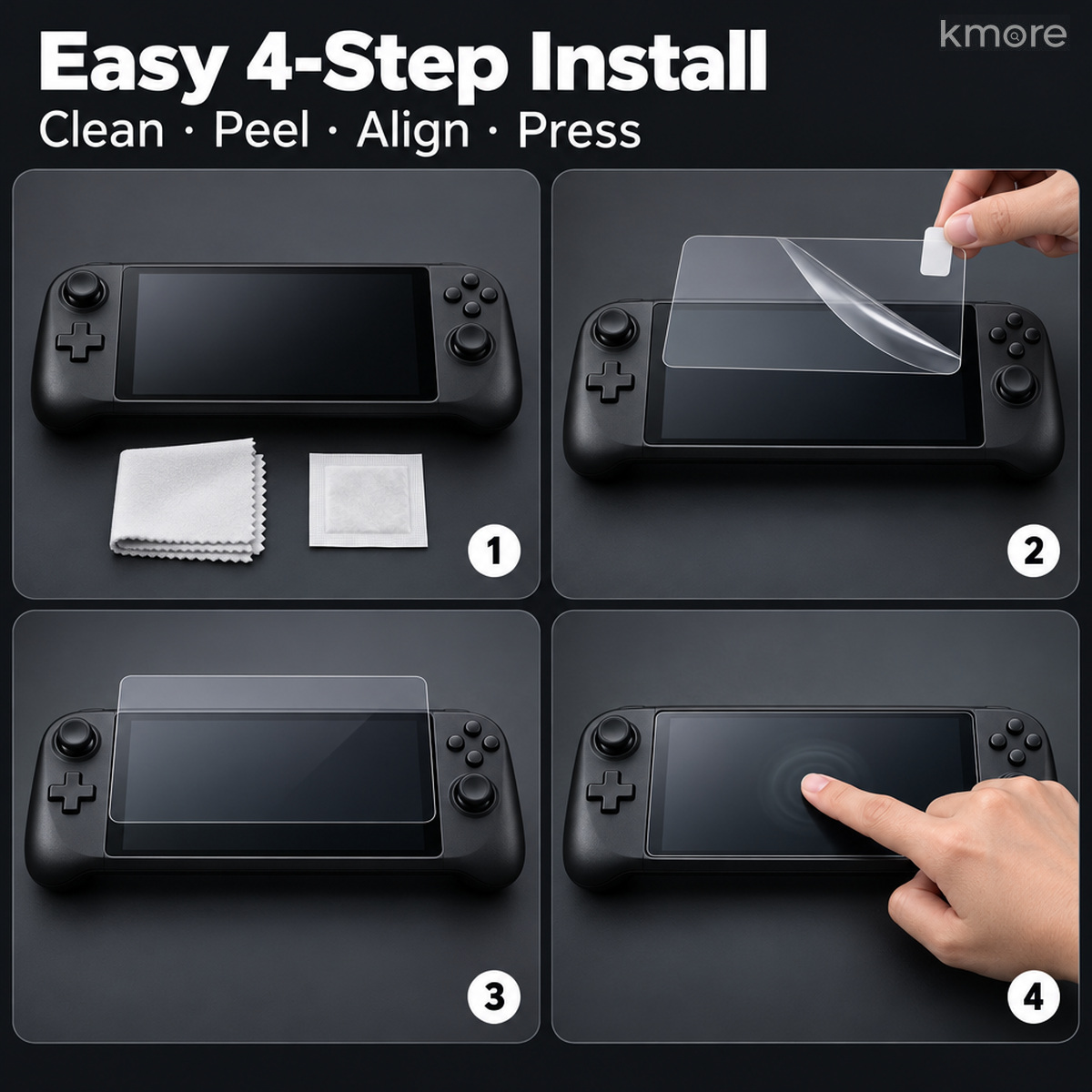
- Clean — power the console off. Wipe the screen with the wet wipe, then dry it with the cloth. Work in a room without a fan or air conditioner running.
- Remove dust — press the dust-removal sticker repeatedly along the edges and corners. This is the step that decides whether you get bubbles.
- Peel — hold the white tab at the top-right and peel the release layer away. Do not touch the adhesive side.
- Align and lower — line the rounded corners up with the front glass, then lower the film in one motion from one side. Let the silicone layer pull the air out; do not press and slide it around.
- Press — run a thumb from the centre to the edges and around the four corners. Small bubbles disappear within a few seconds; any that remain can be pushed to the nearest edge.
In Real Use
- Commute — the console rides in a bag with keys and a charger; the film takes the scratches instead of the panel.
- Tabletop mode — two players pass the console around; the oleophobic layer wipes clean between turns.
- Docked at home — the 0.3 mm profile clears the dock and the Joy-Con 2 rails, so you can leave the film on permanently.
- Outdoors — 93%–95% transmittance keeps the image readable in daylight without the grey cast of a privacy or matte film.
Need a quote, samples or OEM/ODM customization?
We support silk-printed logos, custom colour boxes, model-specific tooling and packaging. Send us your requirements — we reply within one business day.

Reviews
There are no reviews yet.