
A good result is half the film and half the technique. Below is how kmore approaches preparation before application, the three-step method we recommend, and the specific points to watch for tempered glass, privacy films and camera lens protectors.
Before You Start
- Work in a low-dust environment — away from air vents, open windows and rooms that have just been cleaned.
- Have the installation kit supplied with the film ready: dust-removal sticker, alcohol wipe, microfibre cloth, and aligner or dust-free applicator.
- Wash and dry your hands first, so that no finger oil reaches the film surface.
The Three-Step Method: Clean → Align → Press
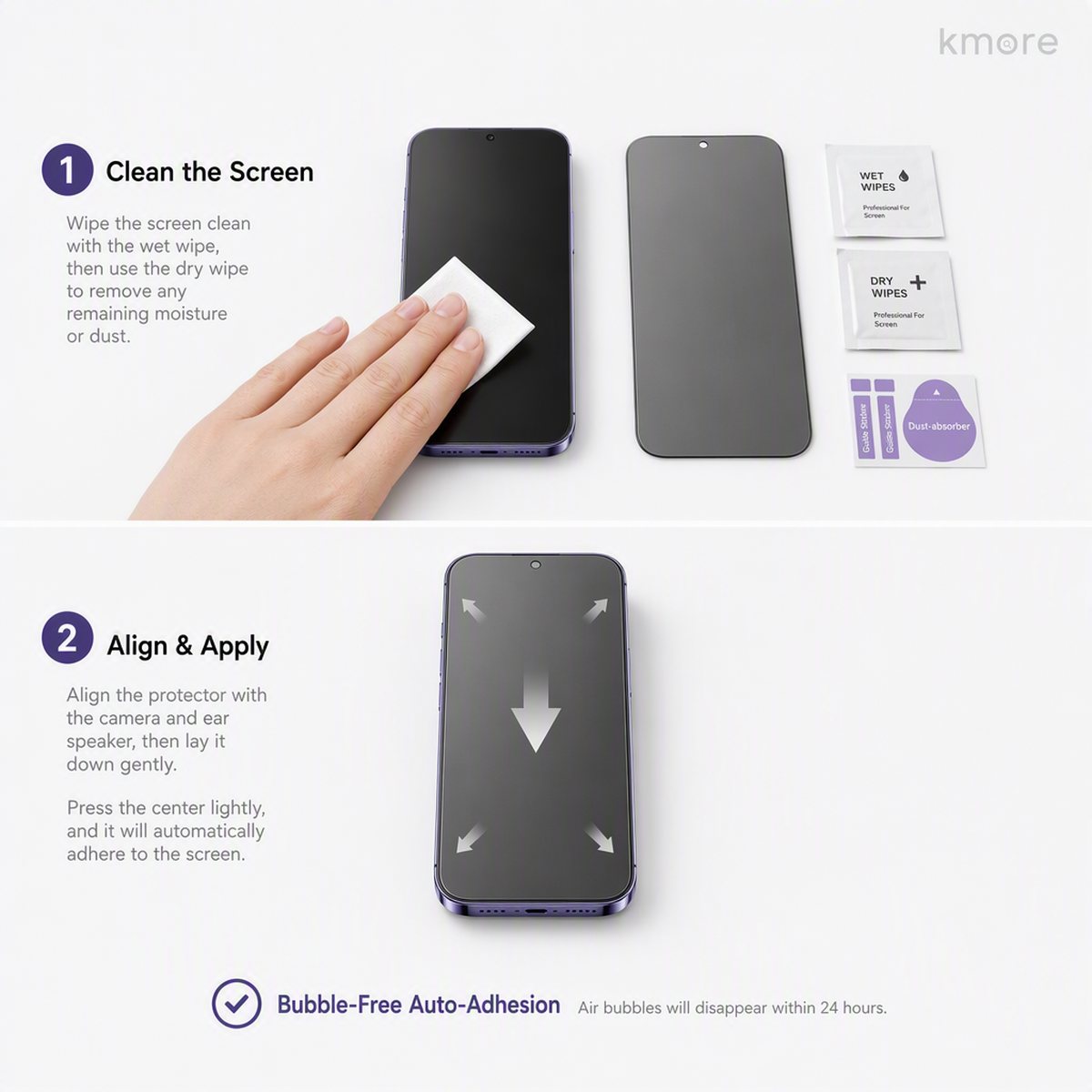
- Clean — wipe the screen with the alcohol wipe, dry it with the cloth, then lift any remaining dust with the dust-removal sticker. Every speck of dust left behind becomes a bubble.
- Align — peel back a corner of the release film and line the earpiece or camera cutout up with the device. An aligner or dust-free applicator makes alignment considerably more accurate.
- Press — lay the film down slowly from one side and let it adhere and expel air on its own. For small bubbles, push them out from the centre towards the edge with the squeegee card.
Tempered Glass and Privacy Films
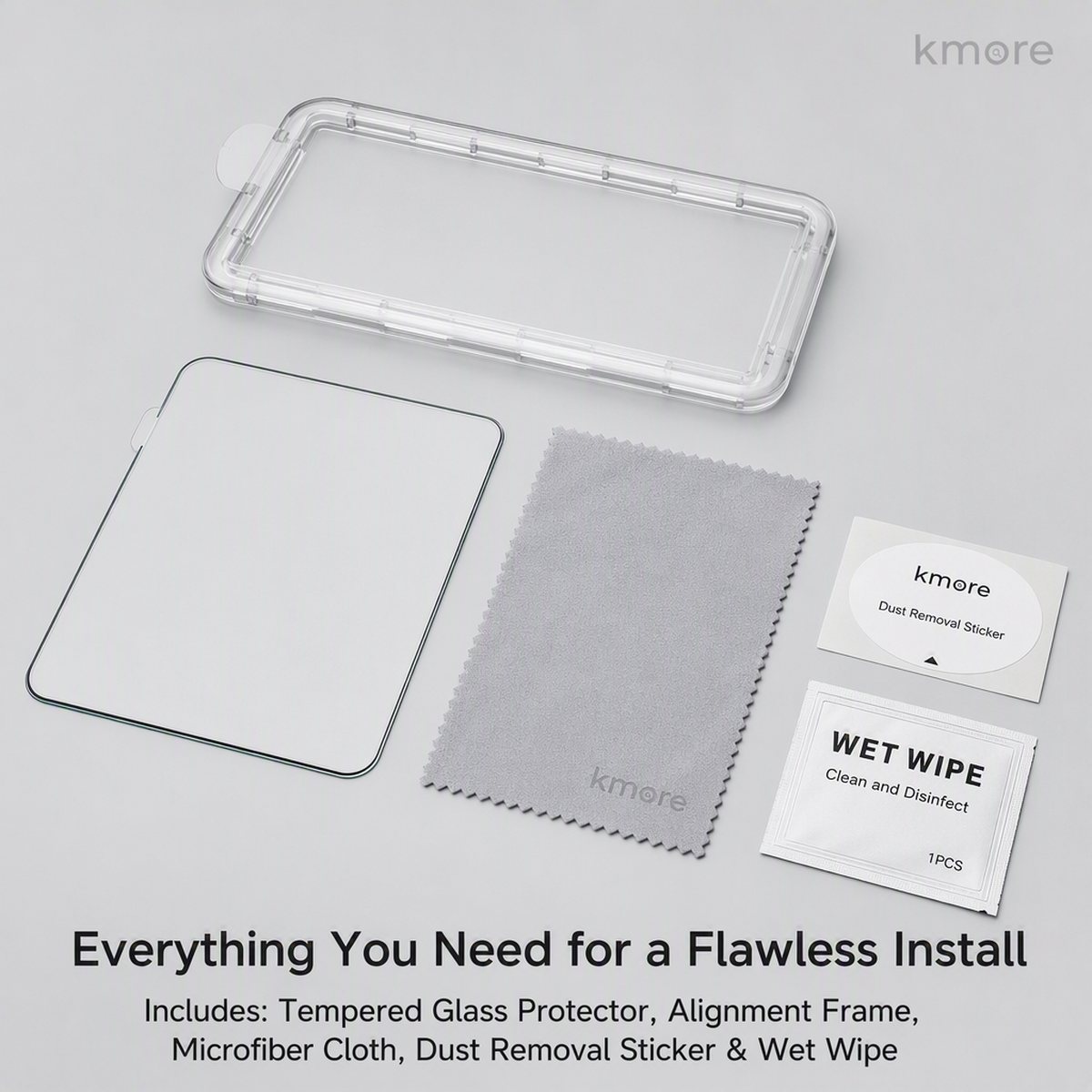
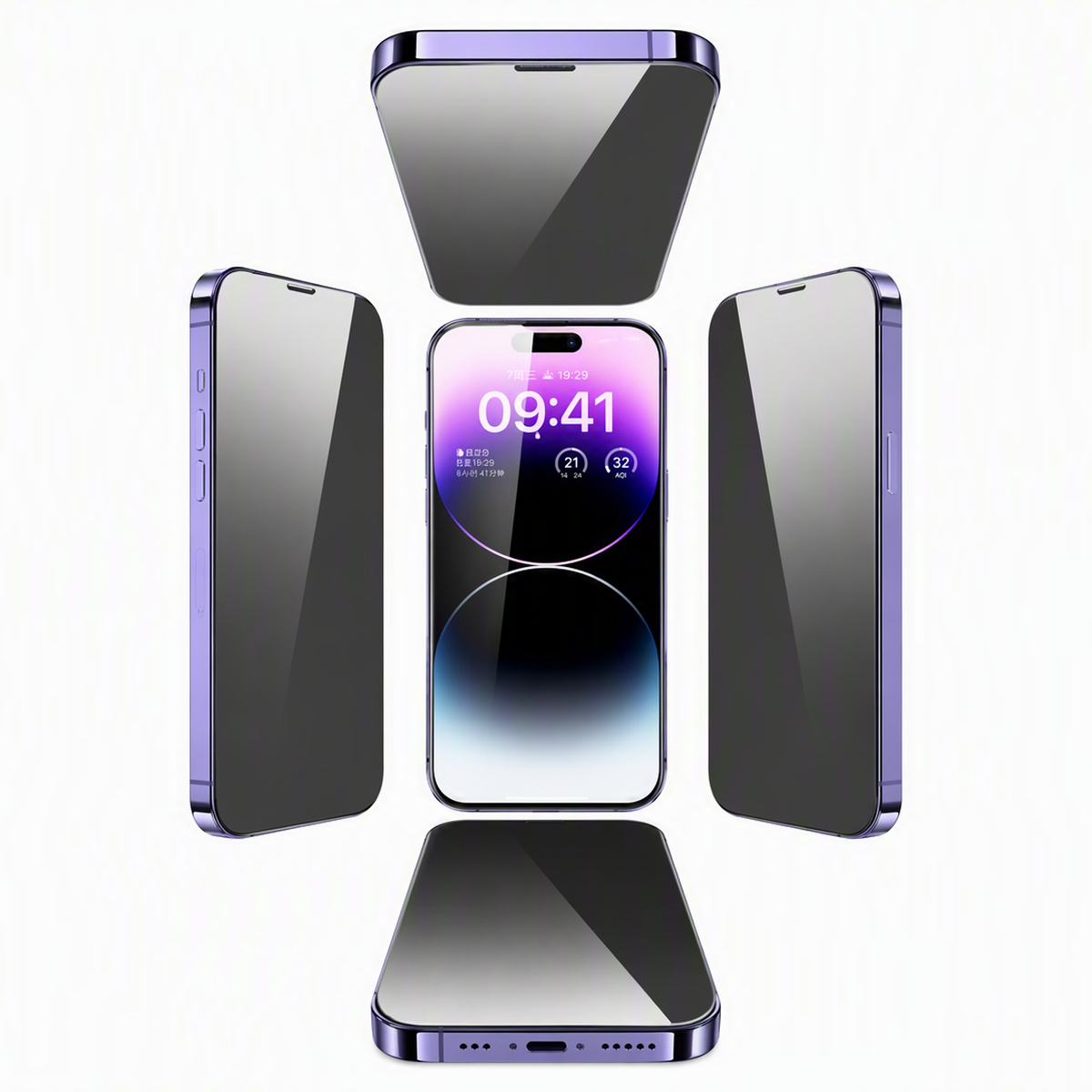
- Privacy films are directional: the privacy side must face outwards, and the screen should darken when viewed from the side. If it is fitted the wrong way round it has to be removed and refitted.
- For silk-printed black-edge films, align from the earpiece cutout so that the printed edge never covers the display area.
- For dust-free applicator or aligner products, assemble the alignment frame as described on the packaging before peeling the release film.
Camera Lens Protectors
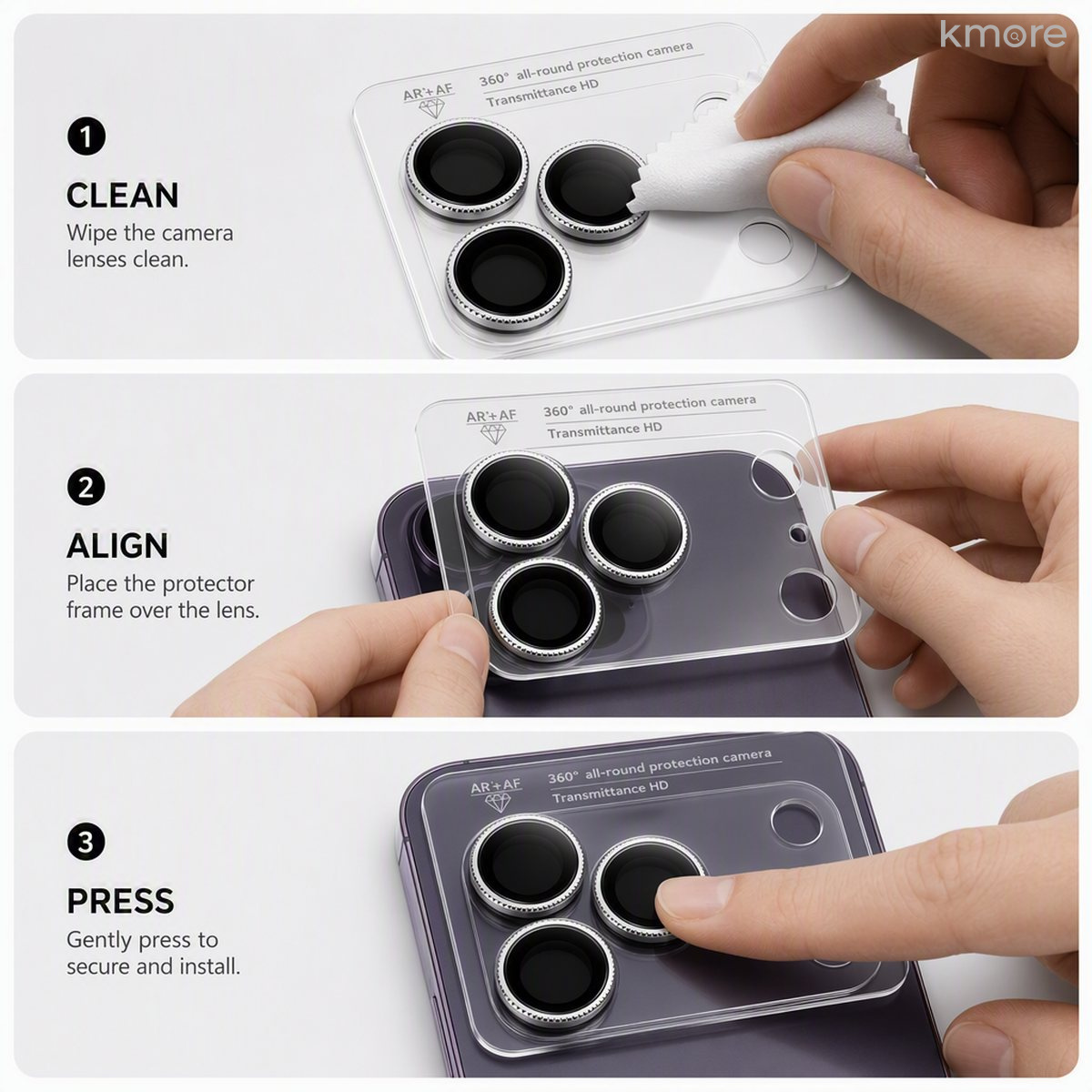
- The lens area is small — blow any dust away first, and avoid touching the inner surface of the film.
- Align from the outermost lens and check that all openings line up before pressing down firmly.
- Once fitted, run the cloth lightly around the edge to be sure the film is seated.
360° Privacy Films — What to Expect
Common Questions
What should I do about small bubbles after applying the film?
Most bubbles come from dust or trapped air. Lift a corner of the film with the dust-removal sticker, take the dust out and press it back down. Fine water-mark style bubbles usually disappear on their own within 24–48 hours.
What if I fit a privacy film the wrong way round?
Privacy films are directional: once fitted, the screen should darken when viewed from the side. If the film is reversed it has to be removed and refitted — and because tempered glass distorts once removed, we recommend fitting a new film.
Does a lens protector affect photo quality?
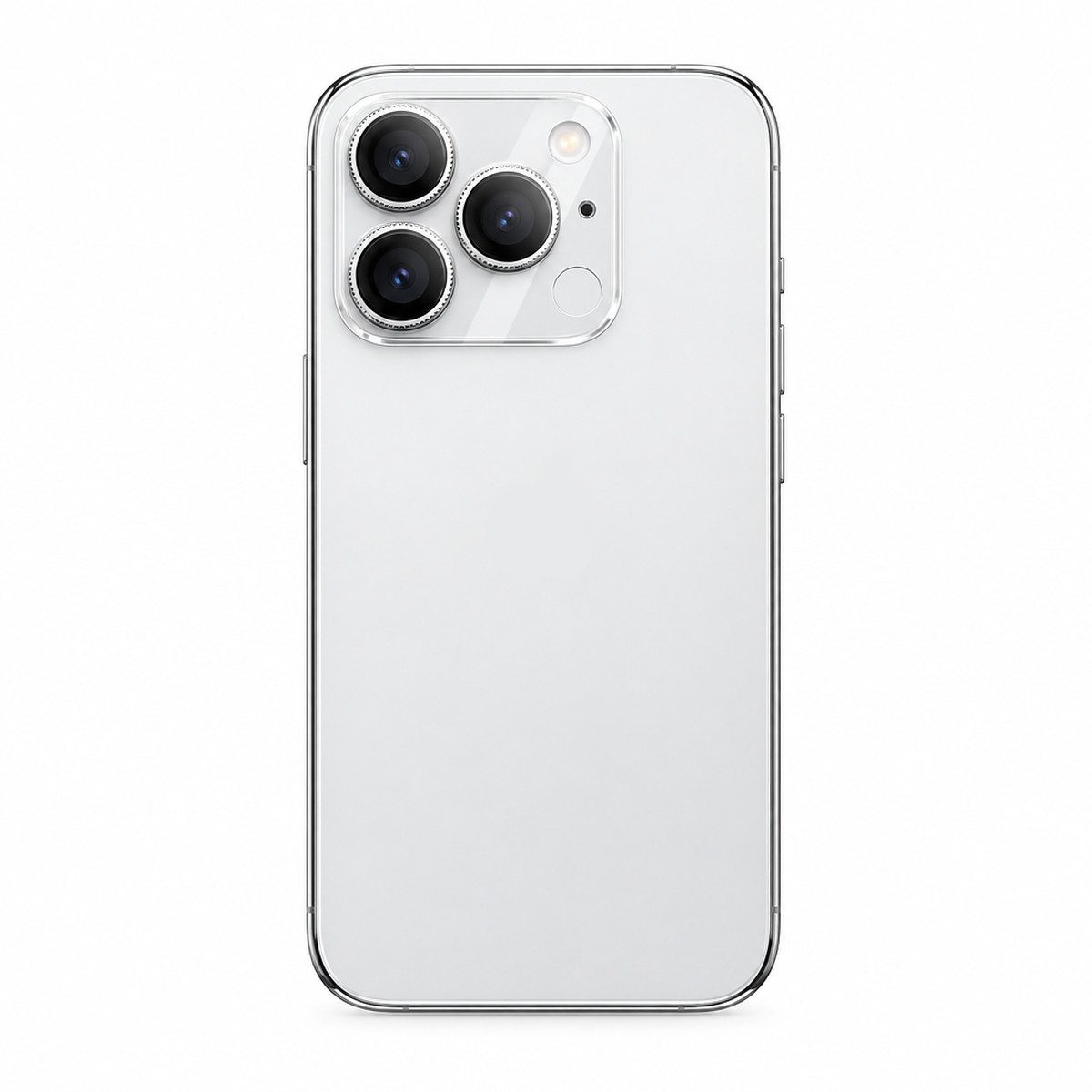
Our Eagle-Eye lens protector uses an AR anti-reflective coating with light transmittance above 95%, which reduces glare and ghosting. The openings are precision-cut from the outermost lens, so the field of view is not obstructed.
What causes white edges or lifting at the edges?
Usually a slight misalignment or pressure from a phone case. Re-align and press the film down again, or switch to a case that is compatible with the film.
Touch sensitivity is poor after fitting — what can I do?
First check that the film is fully seated and that no dust is holding it up, and refit if necessary. If the film is correctly applied and the problem continues, contact our after-sales team.
Can tempered glass be peeled off and re-applied?
We do not recommend it. Once the film has been pressed down, the adhesive layer distorts or picks up dust when it is removed, and the second application is noticeably worse.
Get a quote and samples
Send us your model, material requirements and estimated quantity — our sales engineers reply within 24 hours.
Online inquiry: Contact Us / Online Inquiry · Email: [email protected] · TEL / WeChat / WhatsApp: +86 195 1536 7868 (Jone) / +86 137 1482 7597 (Libin)