
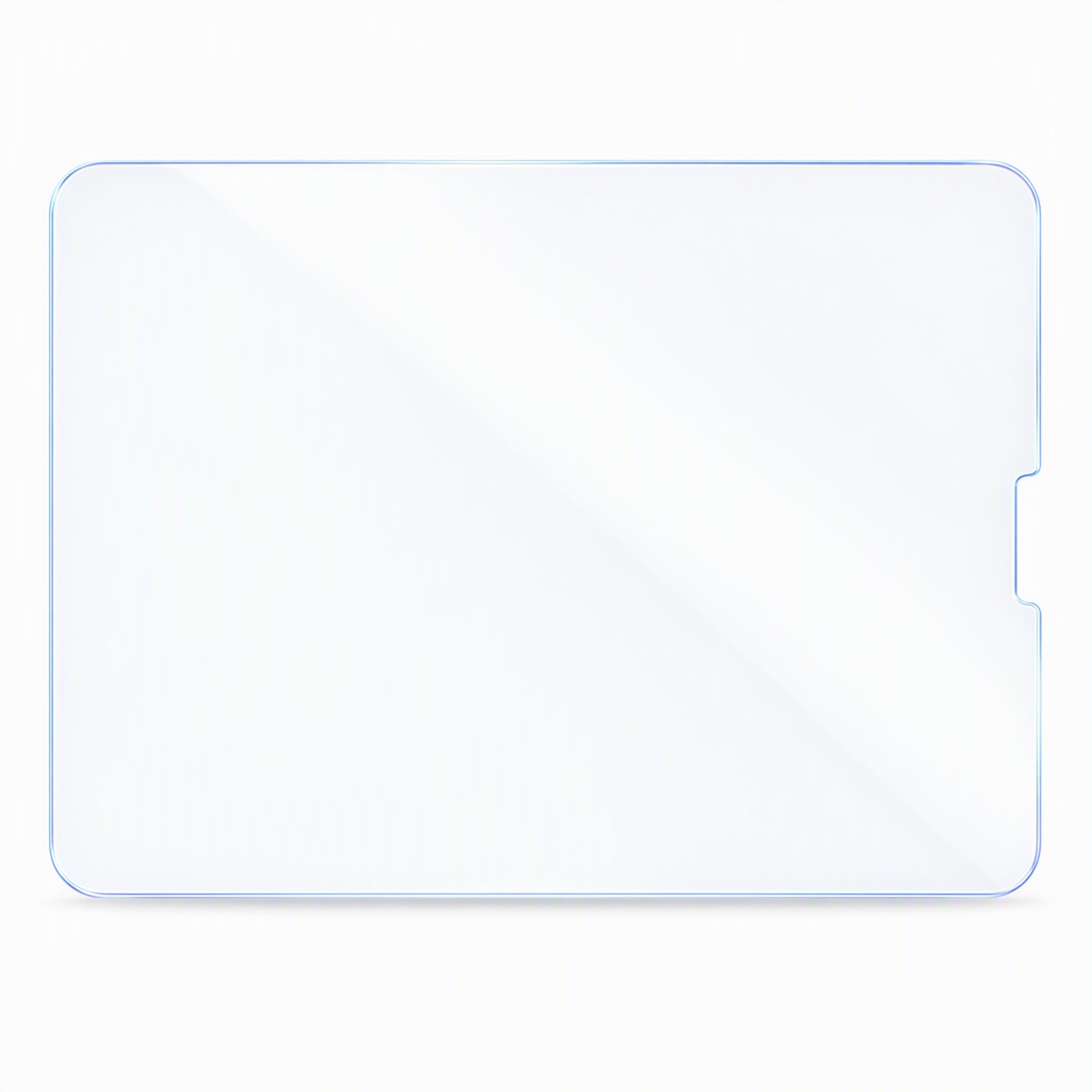
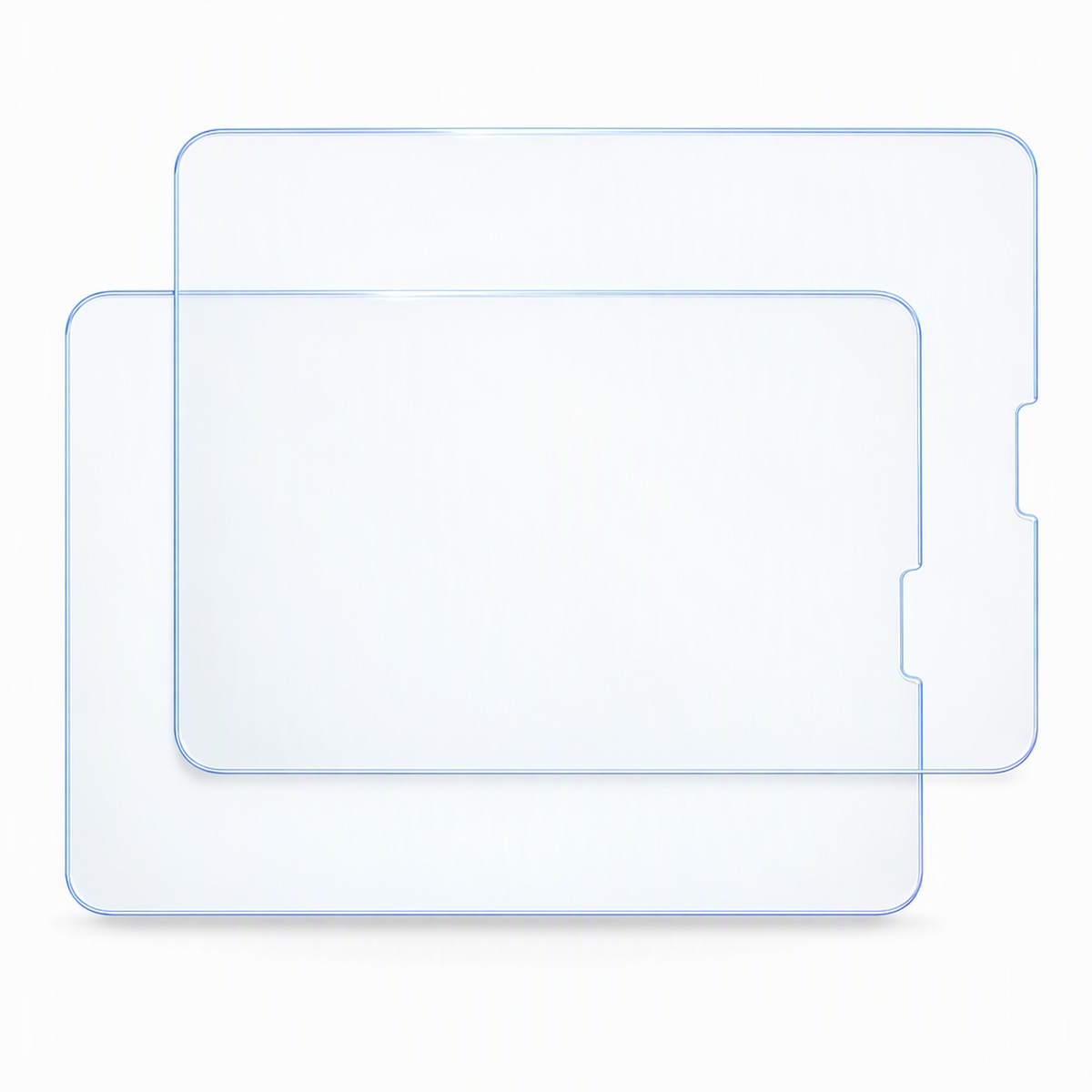
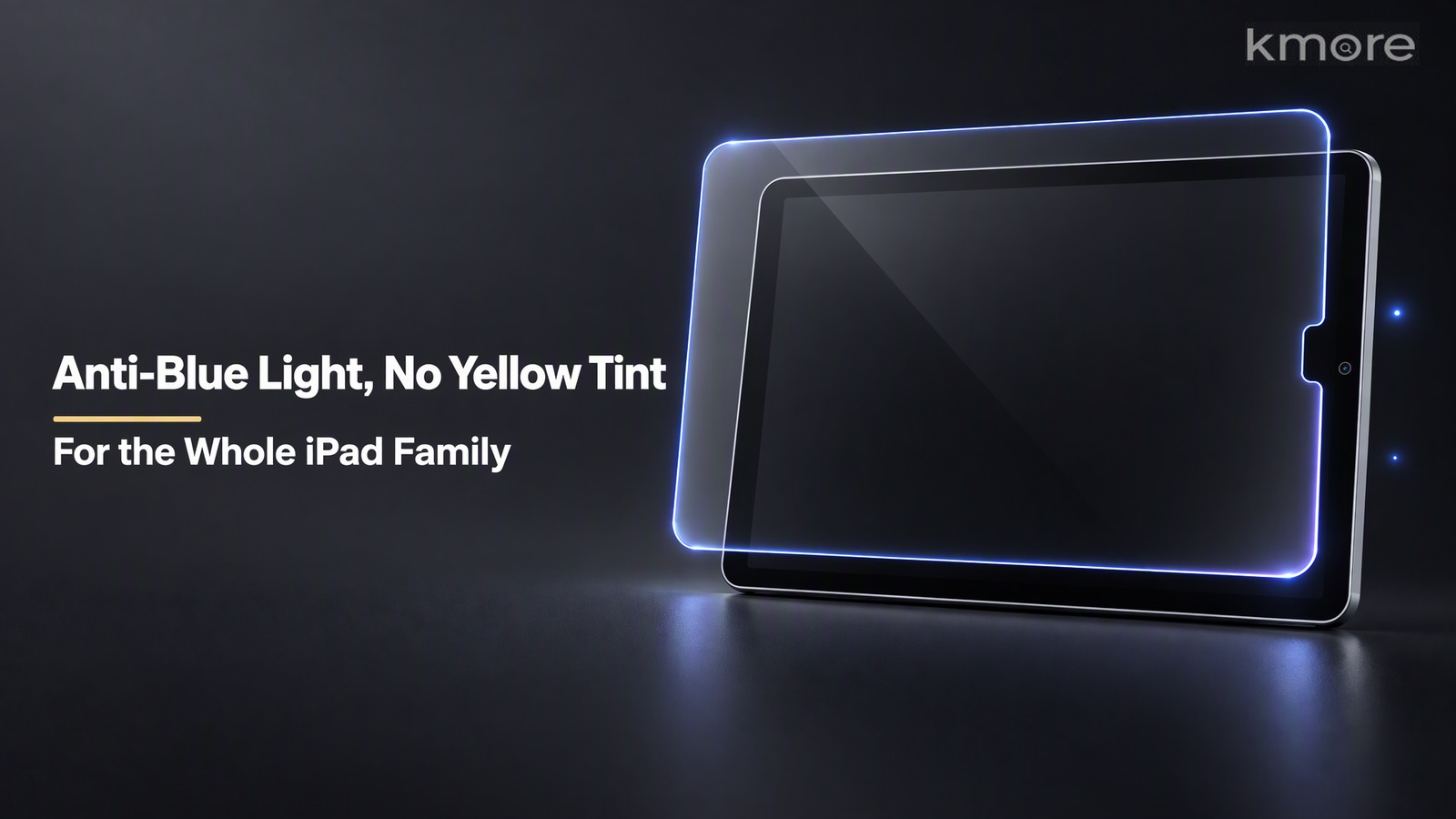
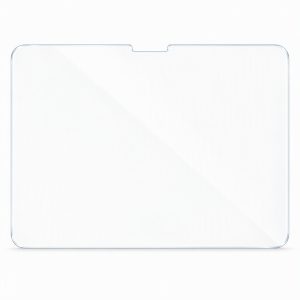
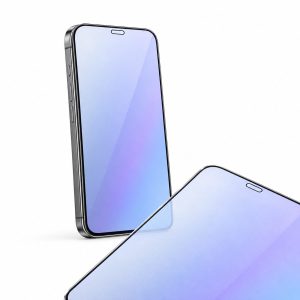
This iPad film uses a magnetron-sputtered anti-blue-light coating to filter 415–455 nm high-energy short-wave blue light in a targeted way, while keeping the beneficial part of the spectrum. The result is relief from the eye strain of long reading, online classes and streaming — without the yellow cast. An imported high-alumina silicate substrate at 93%–95% transmittance is combined with 9H tempering, a 2.5D rounded edge, an electroplated oleophobic coating and 0.33 mm full-adhesive lamination, so eye comfort, clarity and durability come in one piece.

Key Features
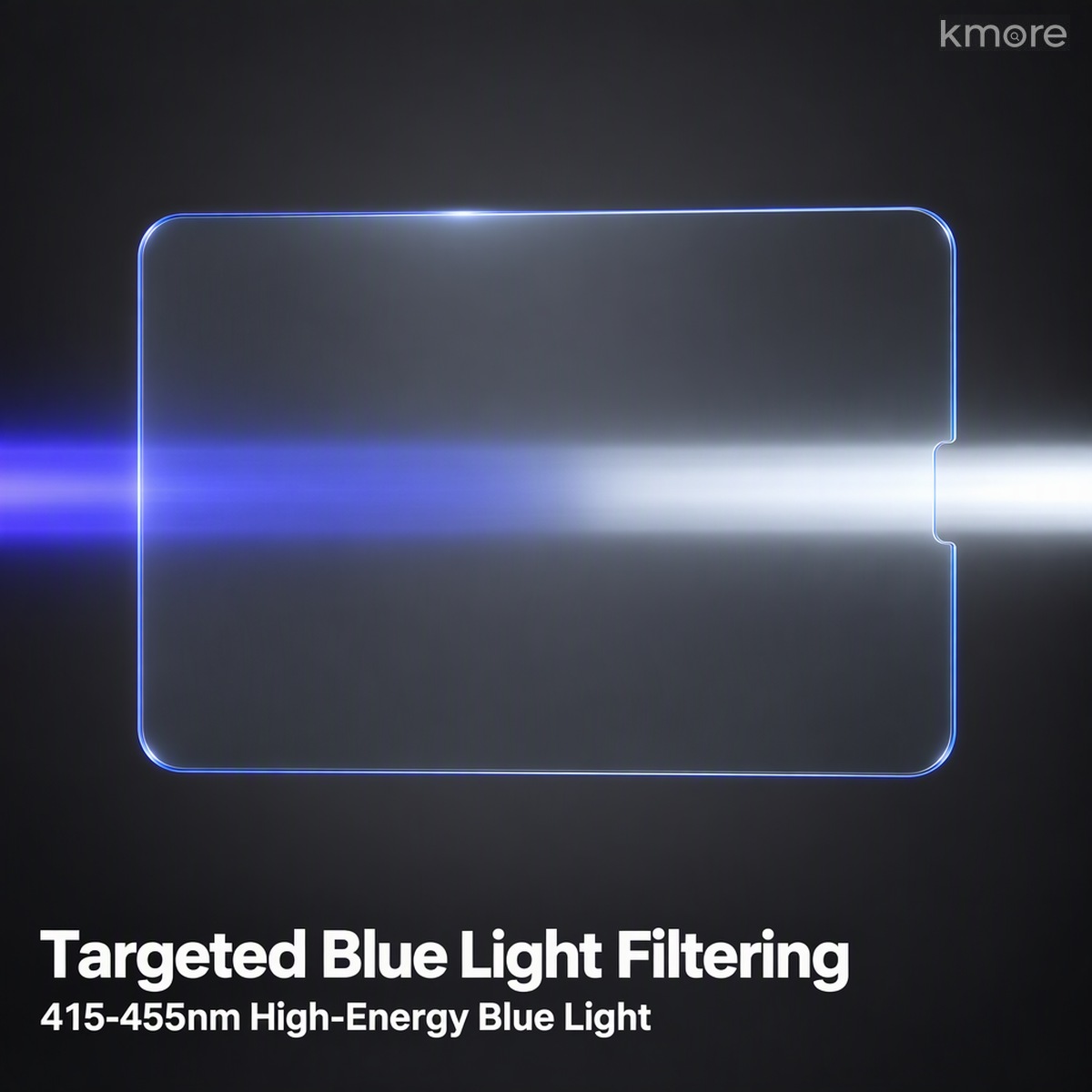
1. Magnetron-Sputtered, Targeted 415–455 nm Blue-Light Filtering
A magnetron-sputtered anti-blue-light coating filters 415–455 nm high-energy short-wave blue light in a targeted way while keeping the beneficial wavelengths. After long reading sessions, online classes or streaming, your eyes no longer feel sore and dry — and the image doesn’t turn yellow, so colours stay true. No need to choose between eye comfort and a good-looking screen.

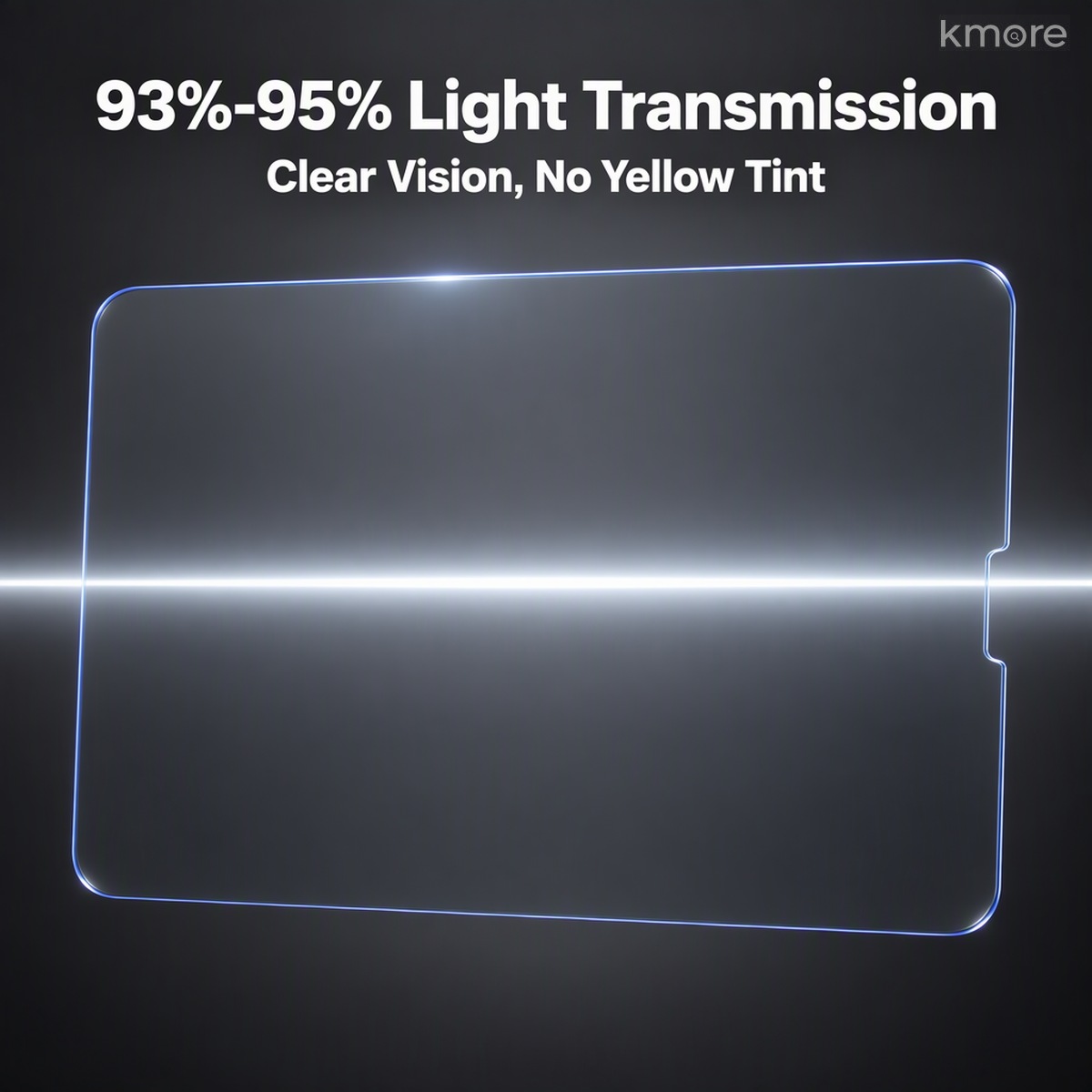
2. 93%–95% Transmittance — HD Clarity, Bare-Screen Feel
An imported high-alumina silicate substrate with 93%–95% transmittance keeps the image clear rather than grey and text crisp rather than soft. Documents, photo editing and video all keep the original screen colour; eye care doesn’t cost you clarity.

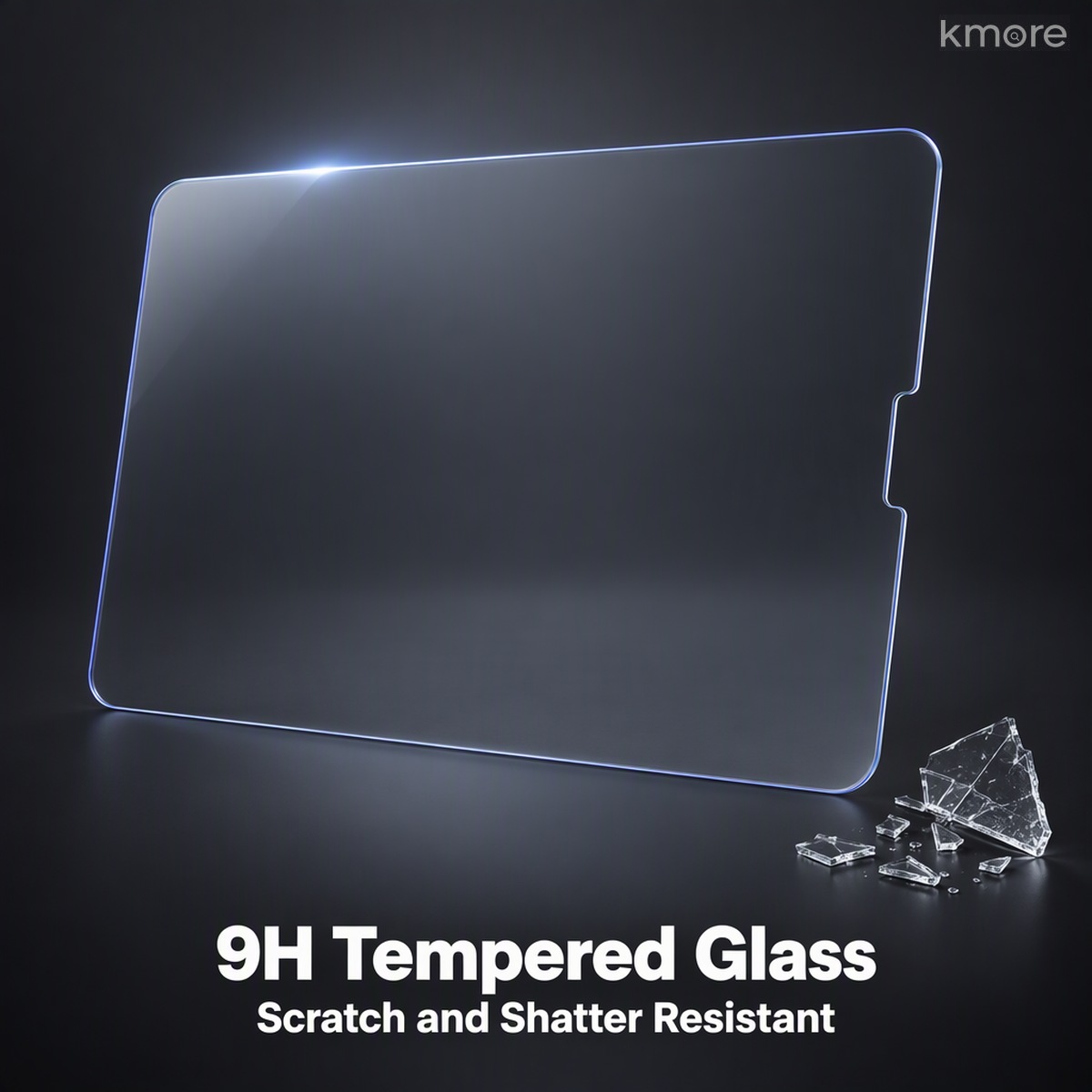
3. 9H Aluminosilicate Tempered Glass — Scratch and Shatter Resistant
Surface hardness reaches 9H, so keys, blades and other sharp objects leave no scratches. If it does break, it crumbles into blunt-edged fragments that don’t fly, protecting your hands while absorbing the impact on behalf of the iPad’s own screen.

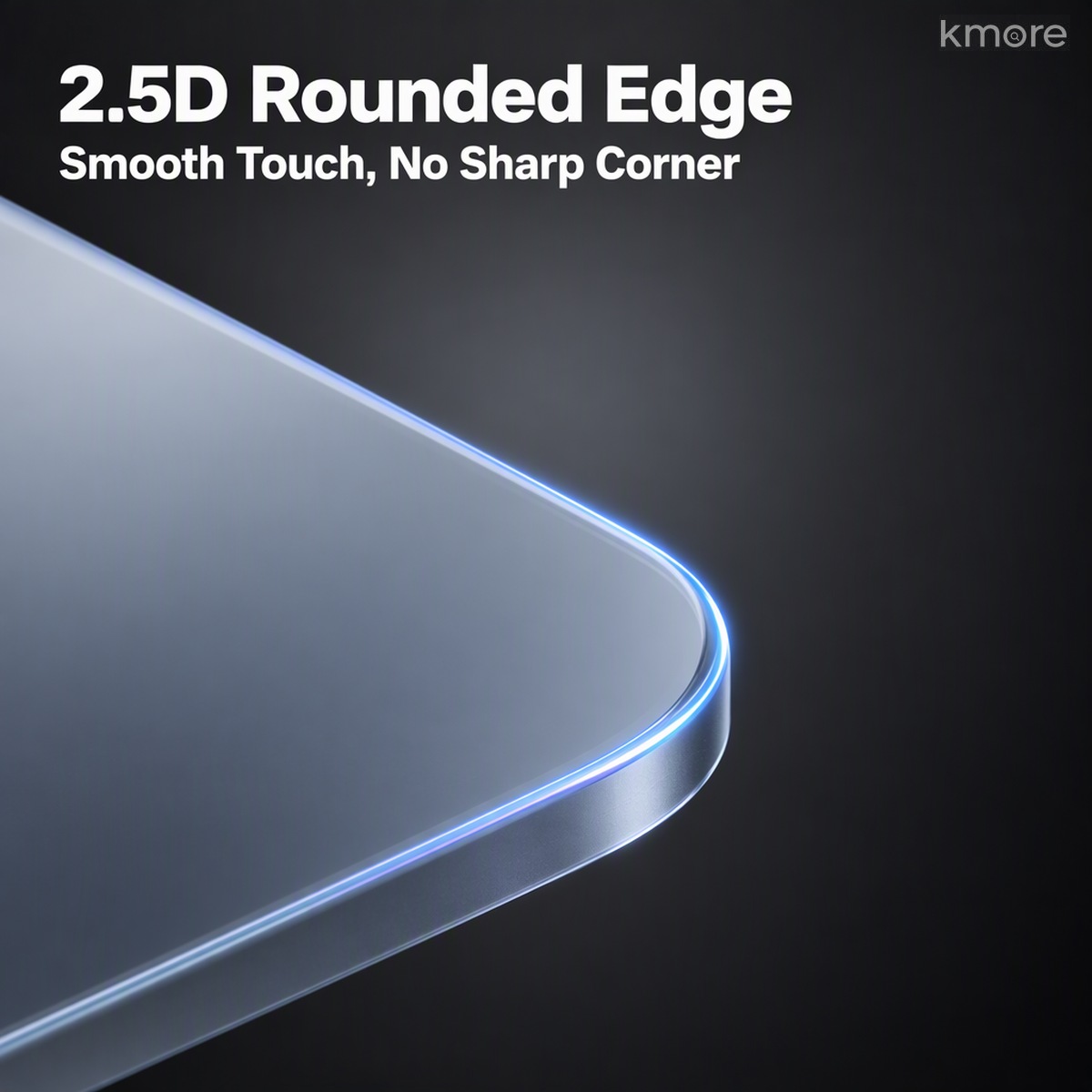
4. 2.5D Polished Edge — Smooth, Not Sharp
The edge is finely polished into a 2.5D rounded profile that transitions naturally into the chassis. Swiping feels smooth with no sharp corner, and it stays comfortable in the hand over long sessions.

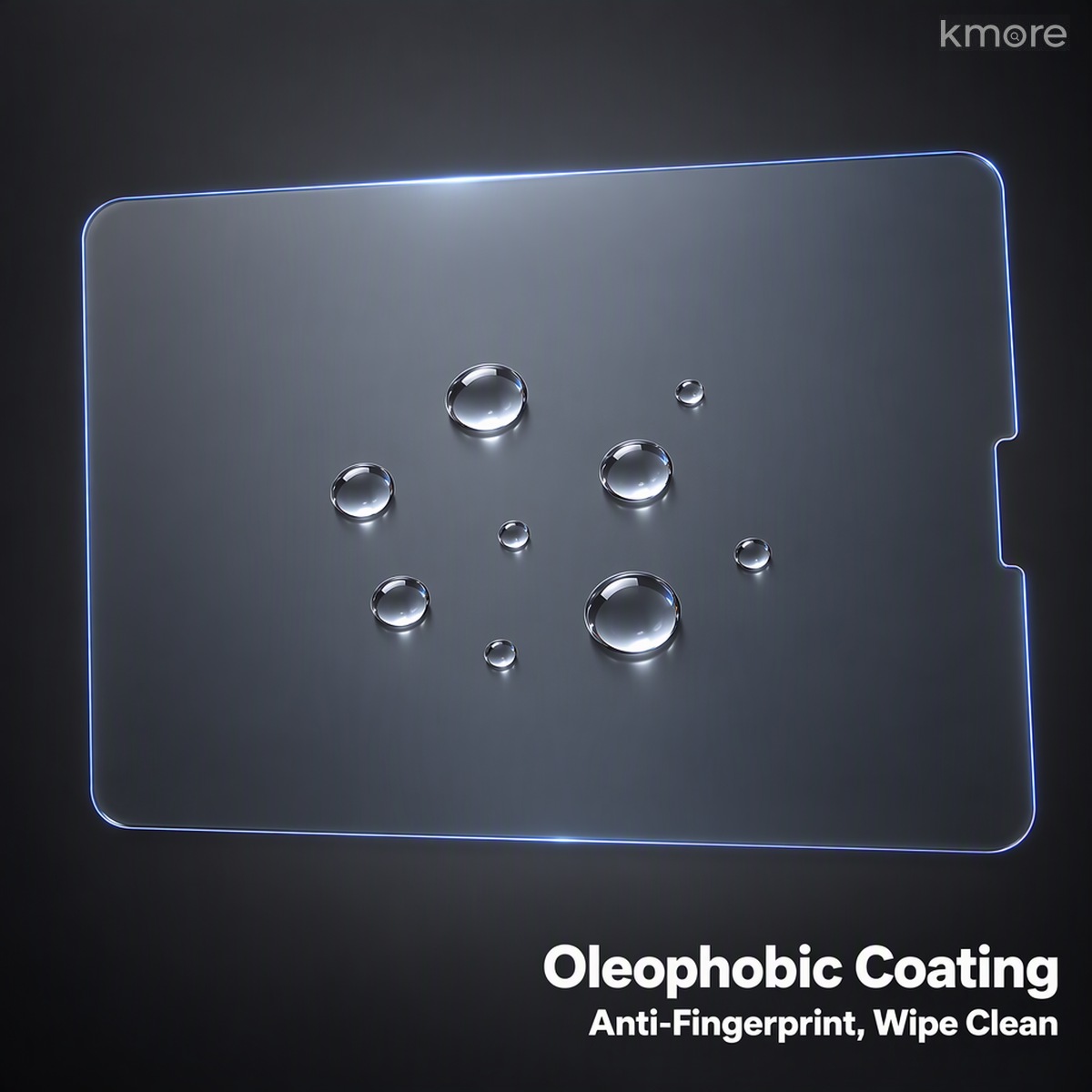
5. Electroplated Oleophobic Coating — Anti-Fingerprint, Anti-Oil
A vacuum-electroplated oleophobic coating is evenly distributed with a high water contact angle: water beads up and wipes away in one pass, fingerprints and oil struggle to cling, touch stays responsive and pencil writing tracks closely.

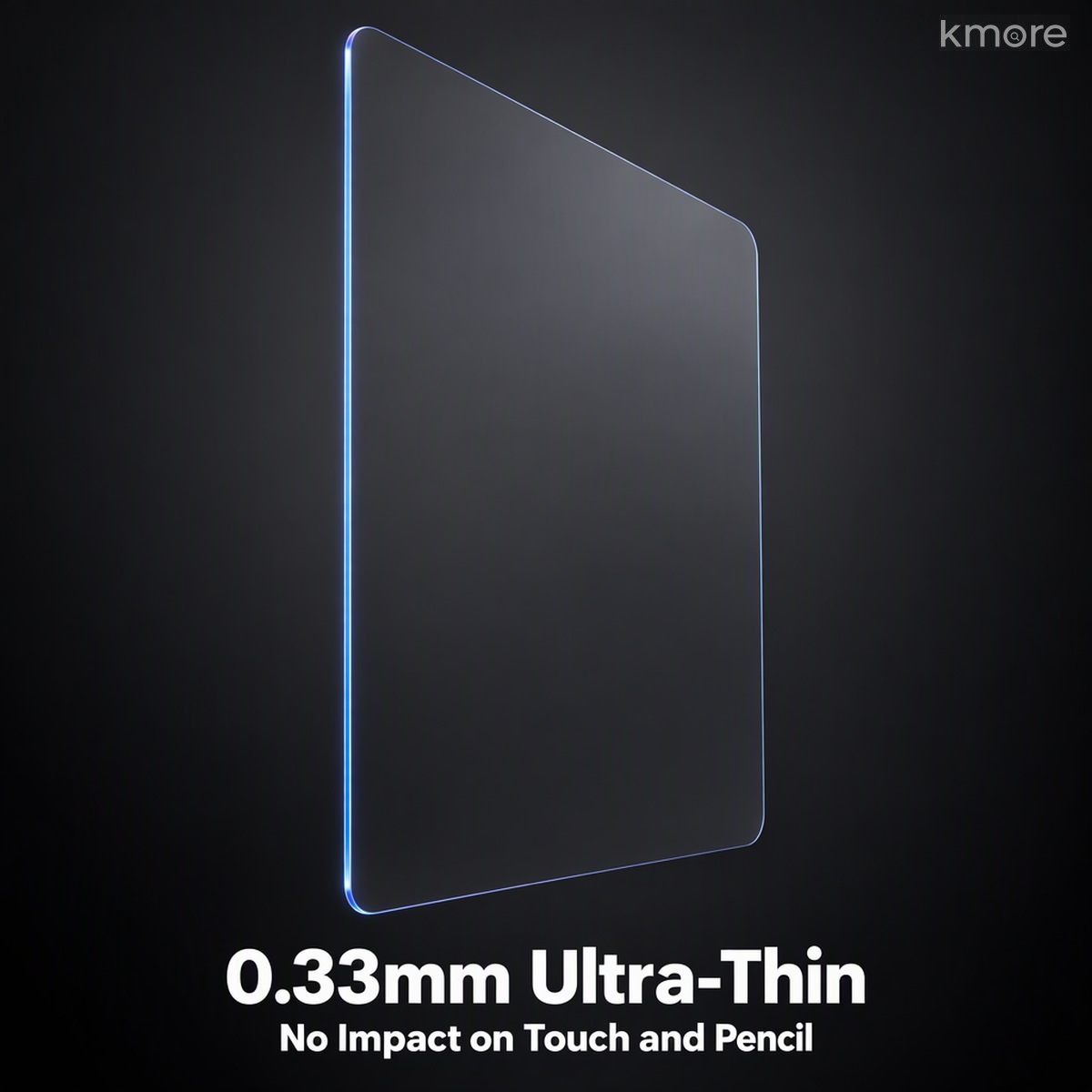
6. Just 0.33 mm — Full-Adhesive Lamination, No Black Border
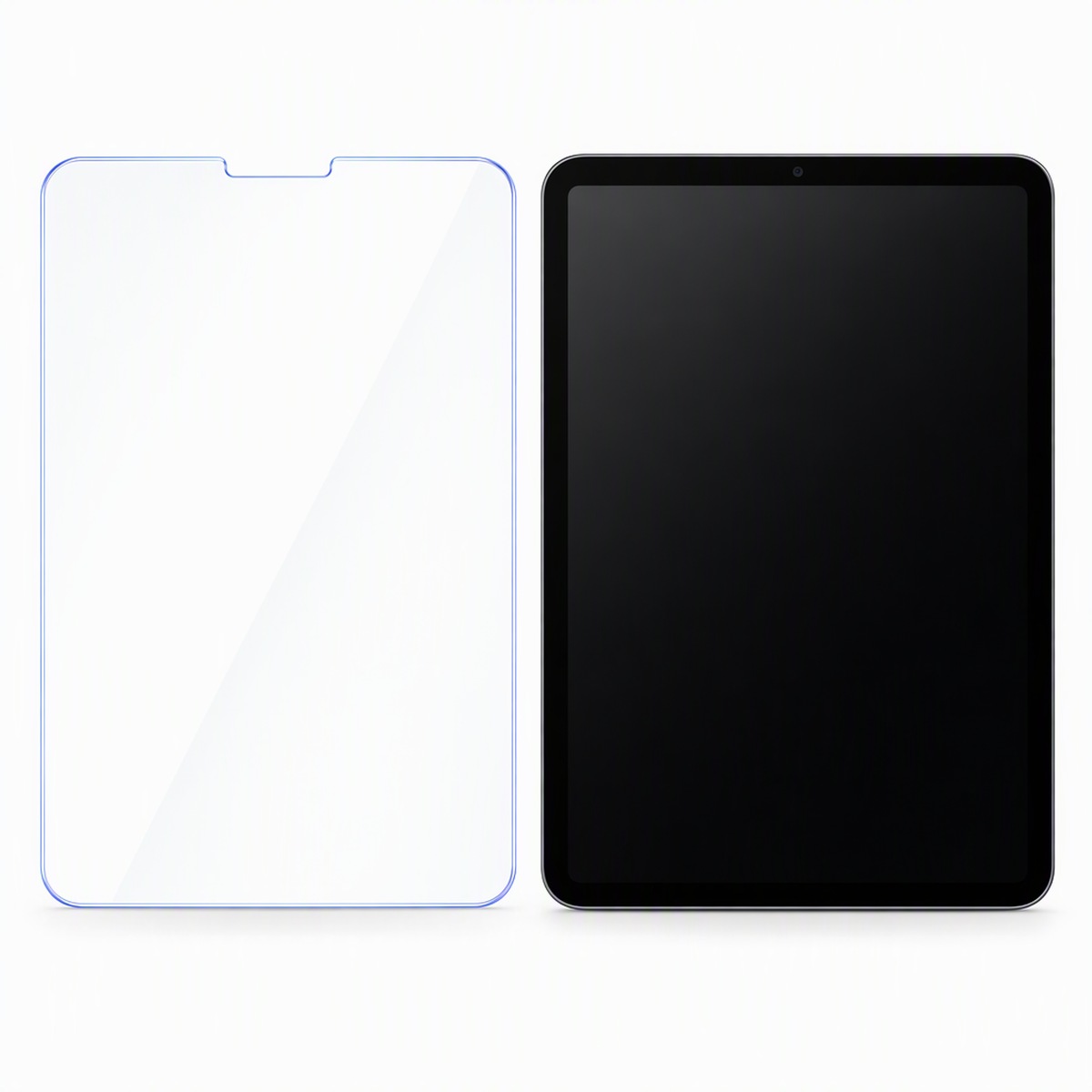
At 0.33 mm the film barely affects touch or writing feel. Precisely cut openings per model and full-screen lamination mean nothing covers the camera, speaker or buttons, and the edge doesn’t lift or produce a white halo.

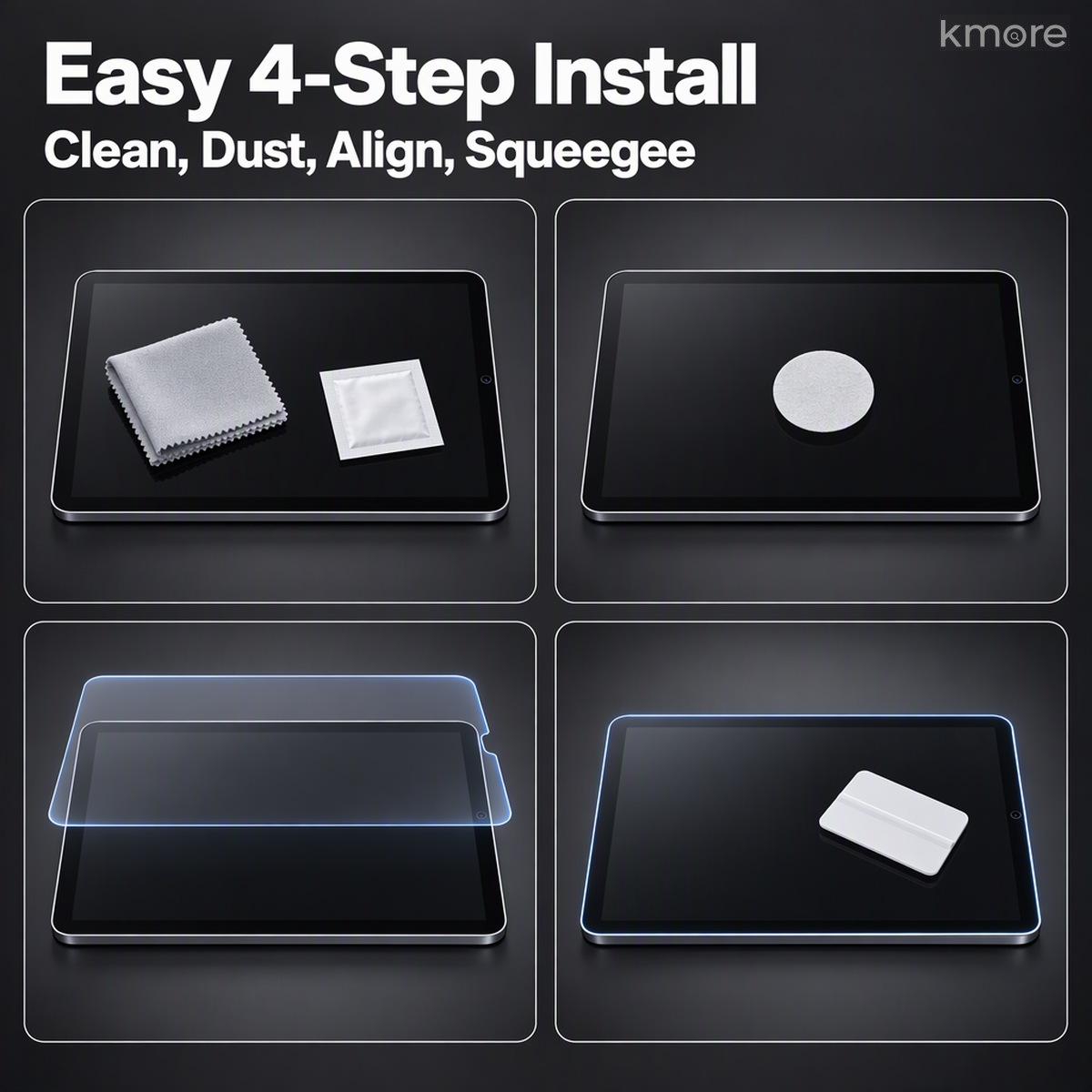
7. Tool-Free Installation — Bubbles Release Themselves
Good-quality OCA full adhesive lets trapped air escape naturally after application. The kit includes a cleaning cloth, dust-removal stickers, wet and dry wipes and a squeegee (squeegee optional): clean and remove dust, align once, and even a first-timer gets a clean, bubble-free result.

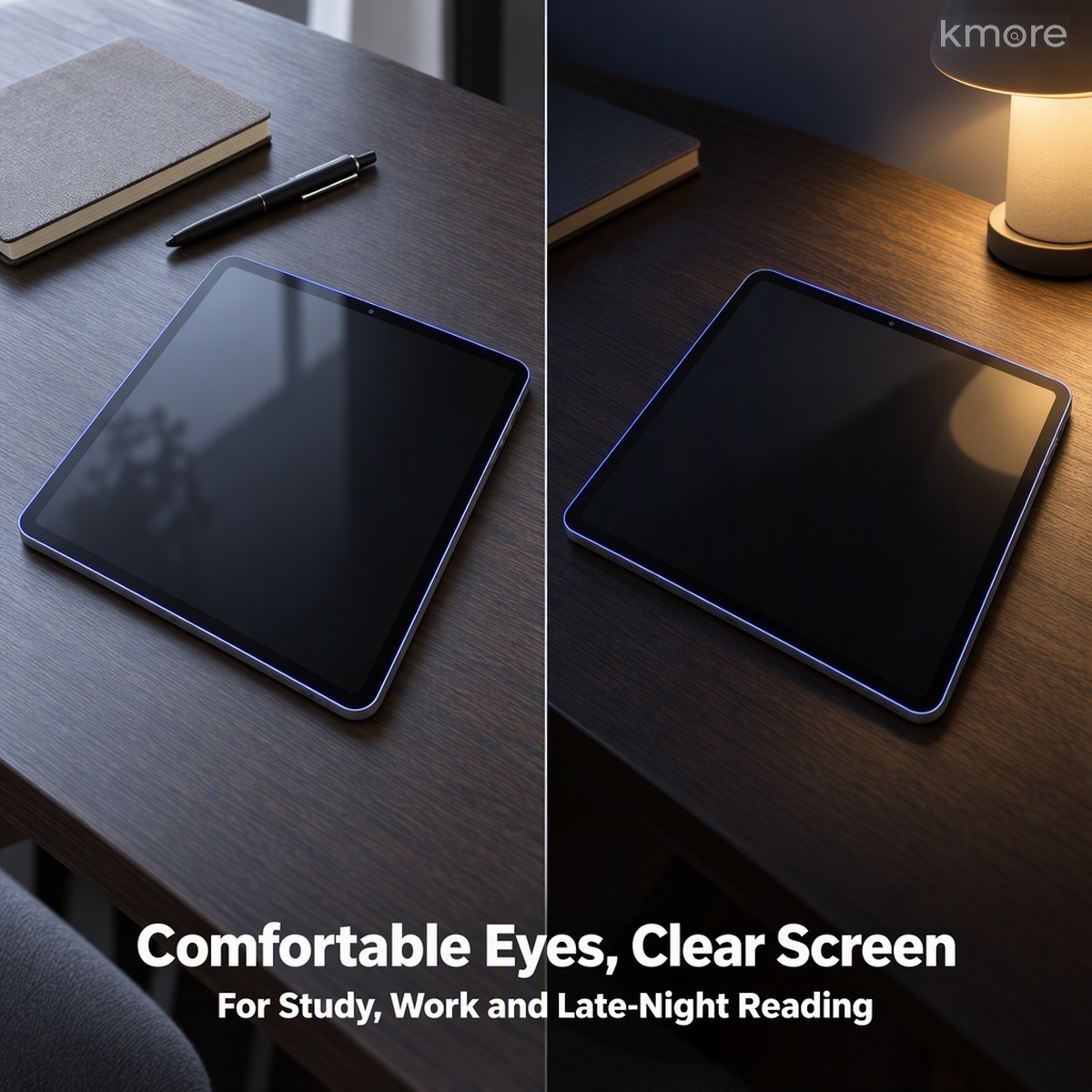
8. Real-World Use: Study, Work and Bedtime Reading
Online classes at the desk by day, an e-book by a single lamp at night — the screen no longer glares, blue light is filtered in a targeted way, and long sessions feel easier to relax into. Bedtime use feels lighter too.

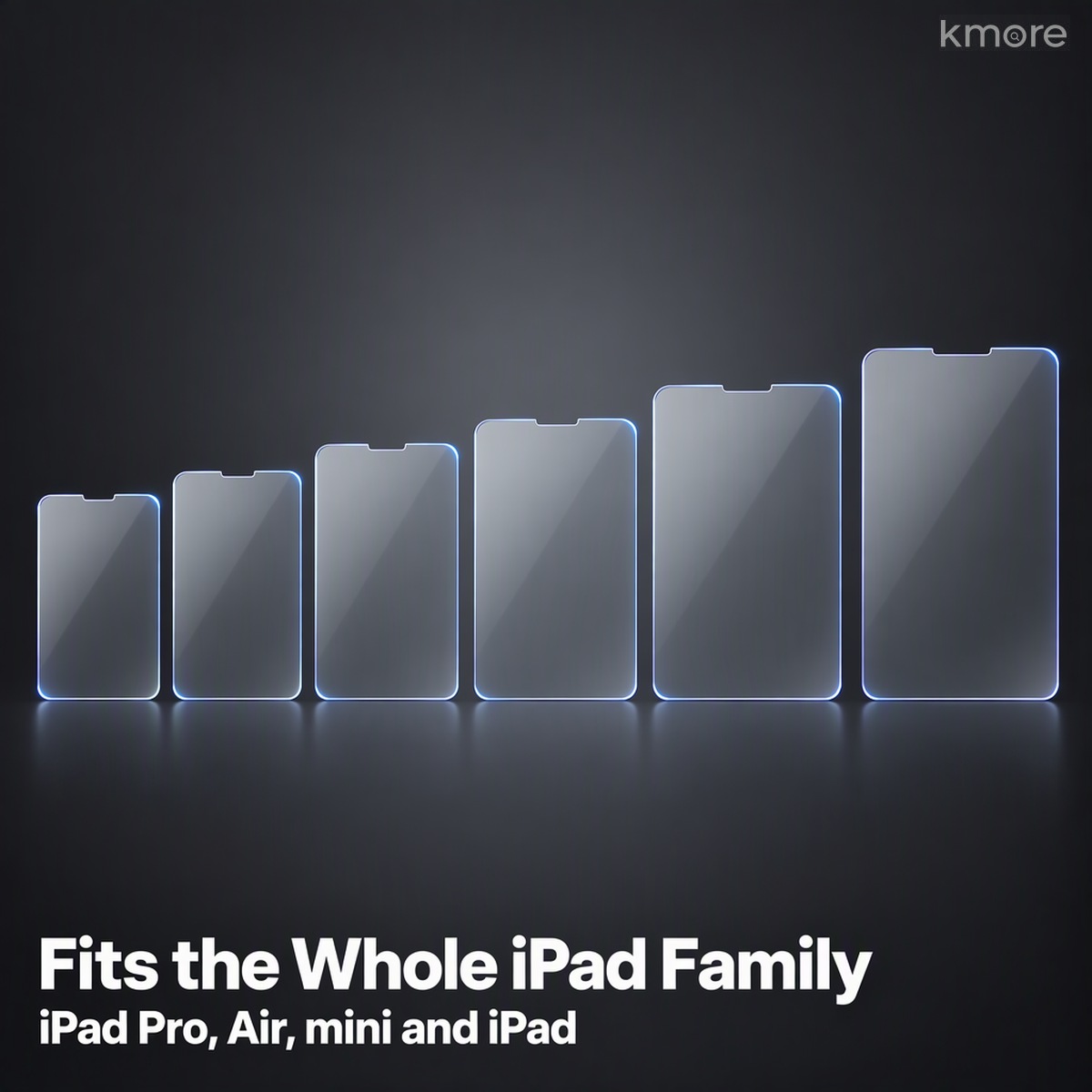
9. Precisely Cut per Model — the Full iPad Range
Available across the iPad, iPad Air, iPad mini and iPad Pro sizes, grouped into 14 film specifications cut from real devices. Front-camera cutouts and short-edge positions match each model, so the film sits evenly and never covers the camera.

Specifications
| Brand compatibility | Apple iPad |
|---|---|
| Model coverage | iPad / iPad Air / iPad mini / iPad Pro, multiple sizes |
| Function | Anti-blue-light eye care + screen protection |
| Filtered band | 415–455 nm high-energy short-wave blue light (magnetron-sputtered, targeted filtering) |
| Substrate | High-alumina silicate tempered glass + imported OCA full adhesive |
| Surface hardness | 9H (scratch resistant) |
| Light transmittance | 93%–95% (HD clarity, no yellow tint) |
| Thickness | 0.33 mm |
| Edge finish | 2.5D polished rounded edge |
| Coating | Electroplated oleophobic layer (anti-fingerprint, anti-oil) |
| Bonding | Full-adhesive lamination with precise cutouts, no black border; cleaning cloth, dust-removal stickers, wet and dry wipes and squeegee (optional) included |
Installation Tips (Tool-Free Method)
1. Prepare the environment — turn off fans and air conditioning to reduce floating dust. Wipe oil off the screen with the wet and dry wipes, then dry it with the cloth.
2. Deep dust removal — press the dust-removal sticker repeatedly along the edges and corners. This is the key to a bubble-free result.
3. Line it up — align the rounded corners with the front-camera cutout on the top short edge, peel the release layer and lower the film in one motion rather than repositioning it.
4. Press it down — press gently from the centre outwards and let the full-adhesive layer release air naturally; fine bubbles disappear on their own after a few seconds.
5. Final check — peel off the outer release film and confirm no lifting, white edges or bubbles; push out any remaining fine bubbles with the squeegee (optional).
6. Cutout check — confirm the front-camera cutout and rounded corners line up and the edge doesn’t lift or show a white halo.
In Real Use
(本款场景图即详情图 08,可与 banner-01 组合做首页卡片)
Need a quote, samples or OEM/ODM customization?
We support silk-printed logos, custom color boxes, model-specific tooling and packaging. Send us your requirements — we reply within one business day.

Reviews
There are no reviews yet.