
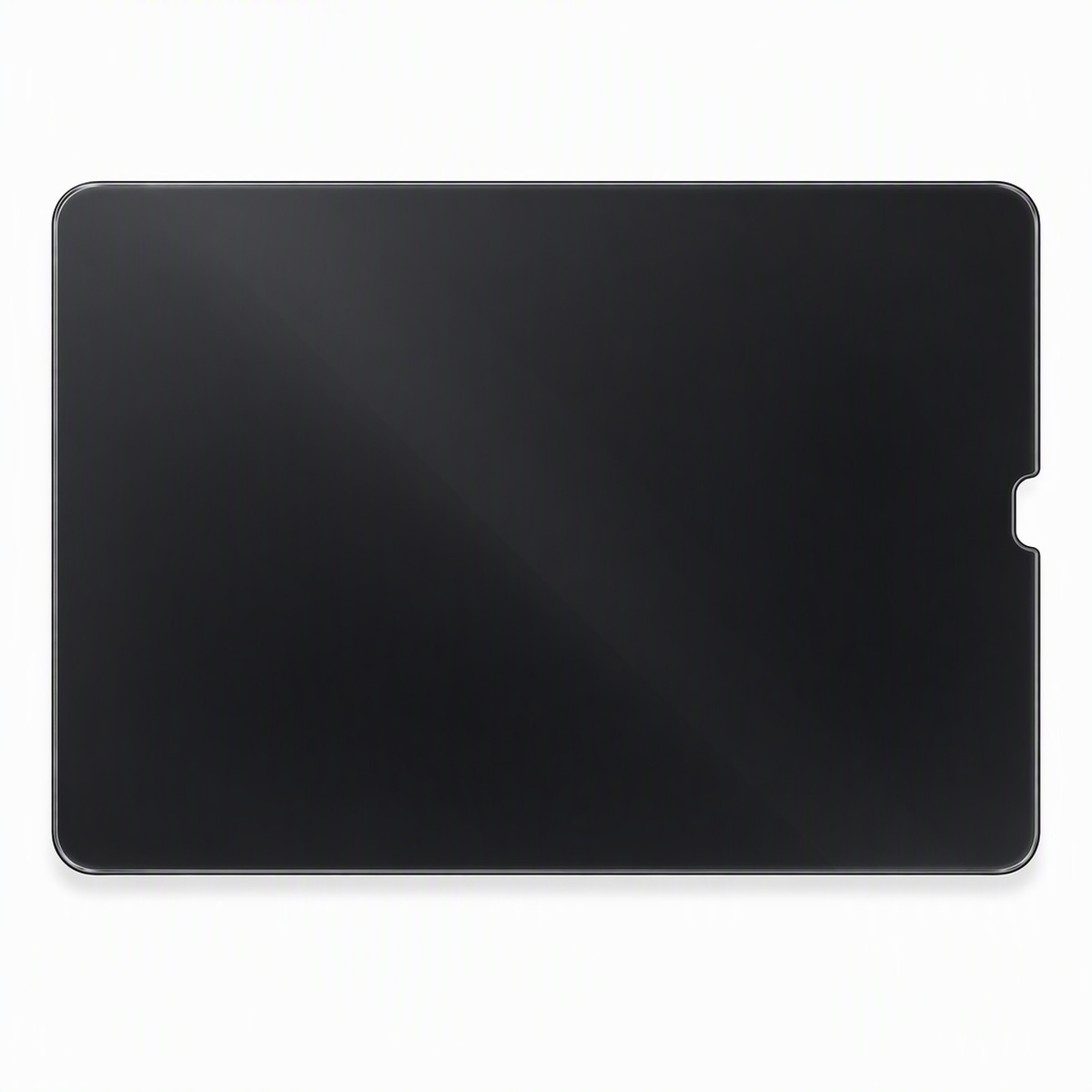
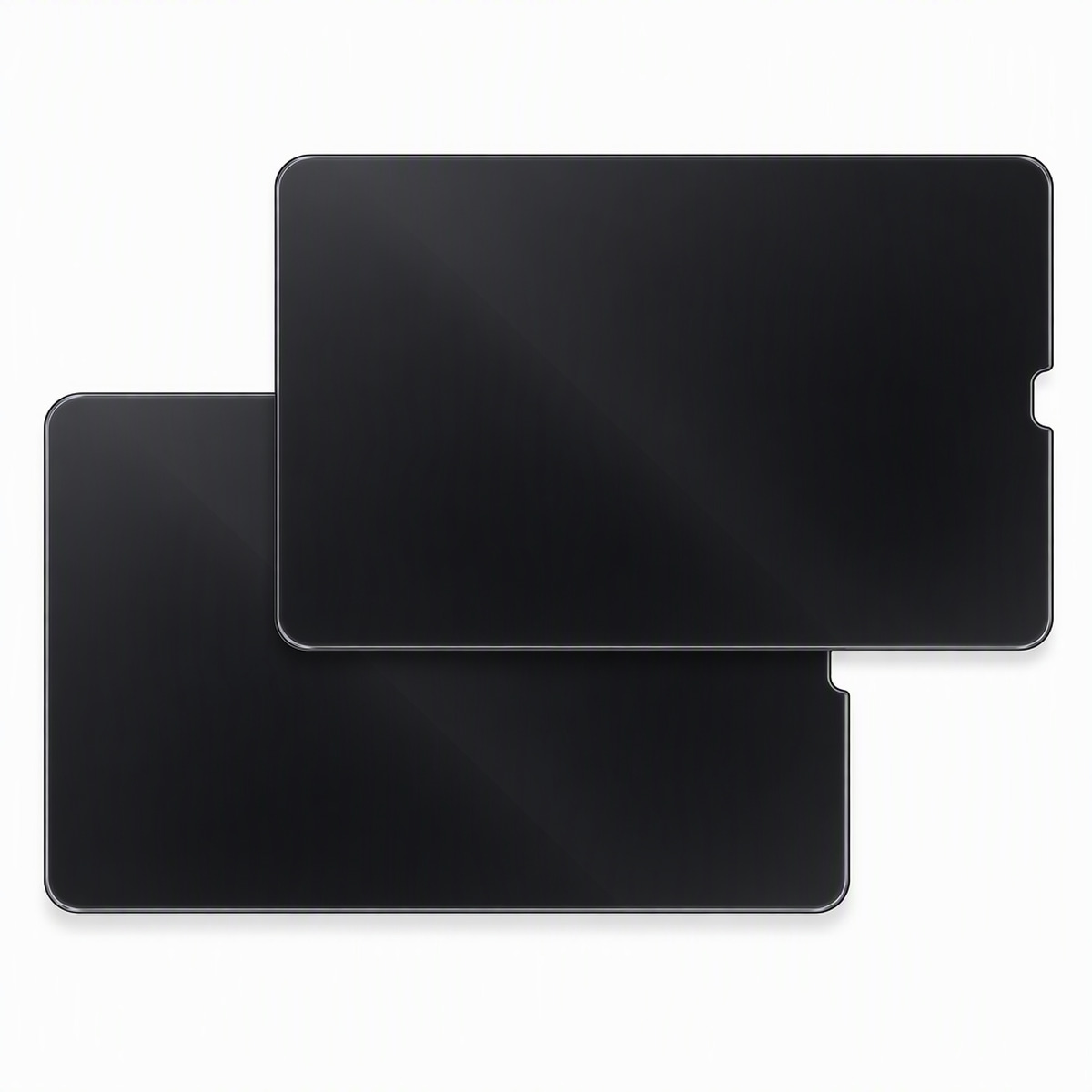
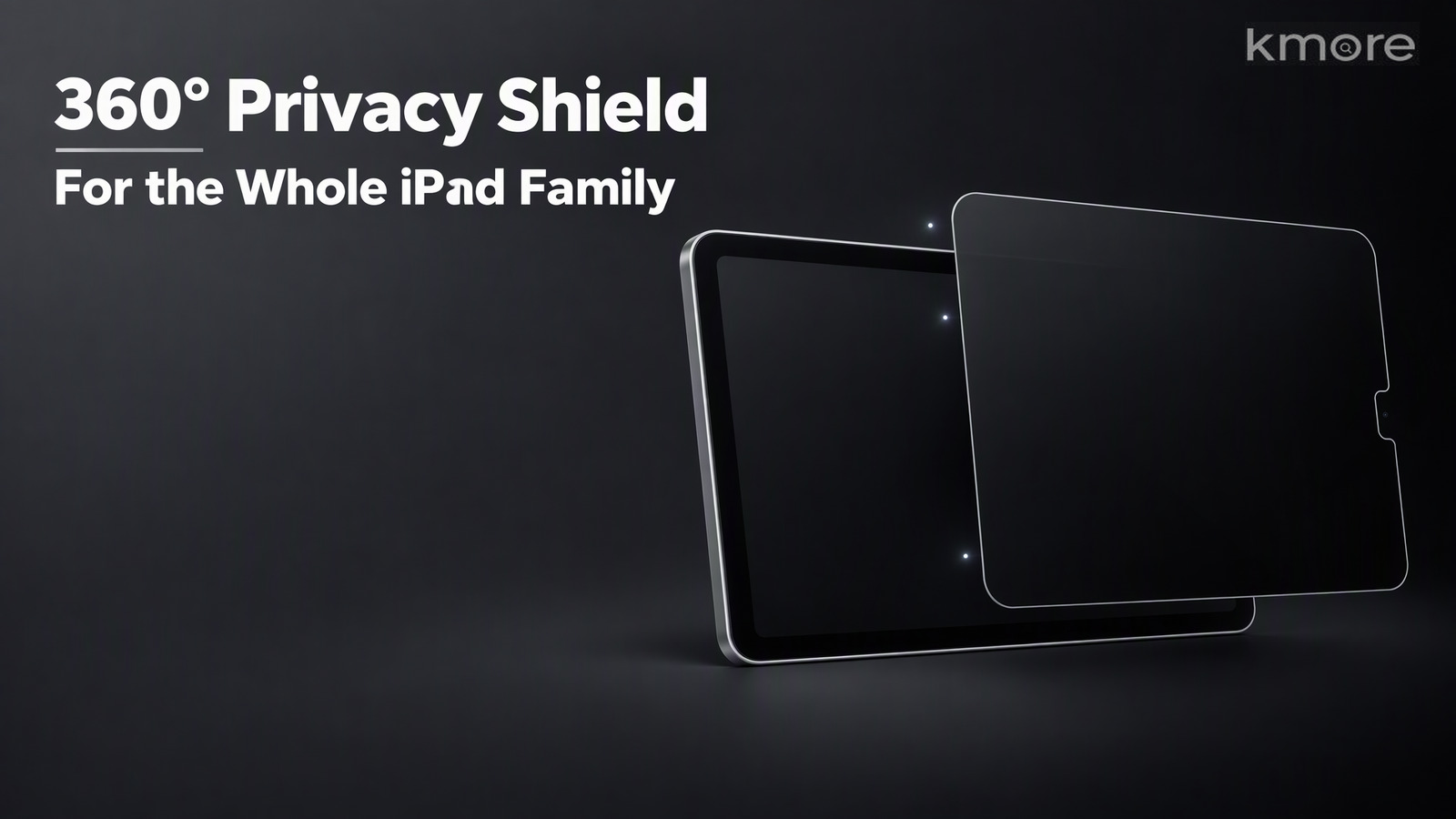
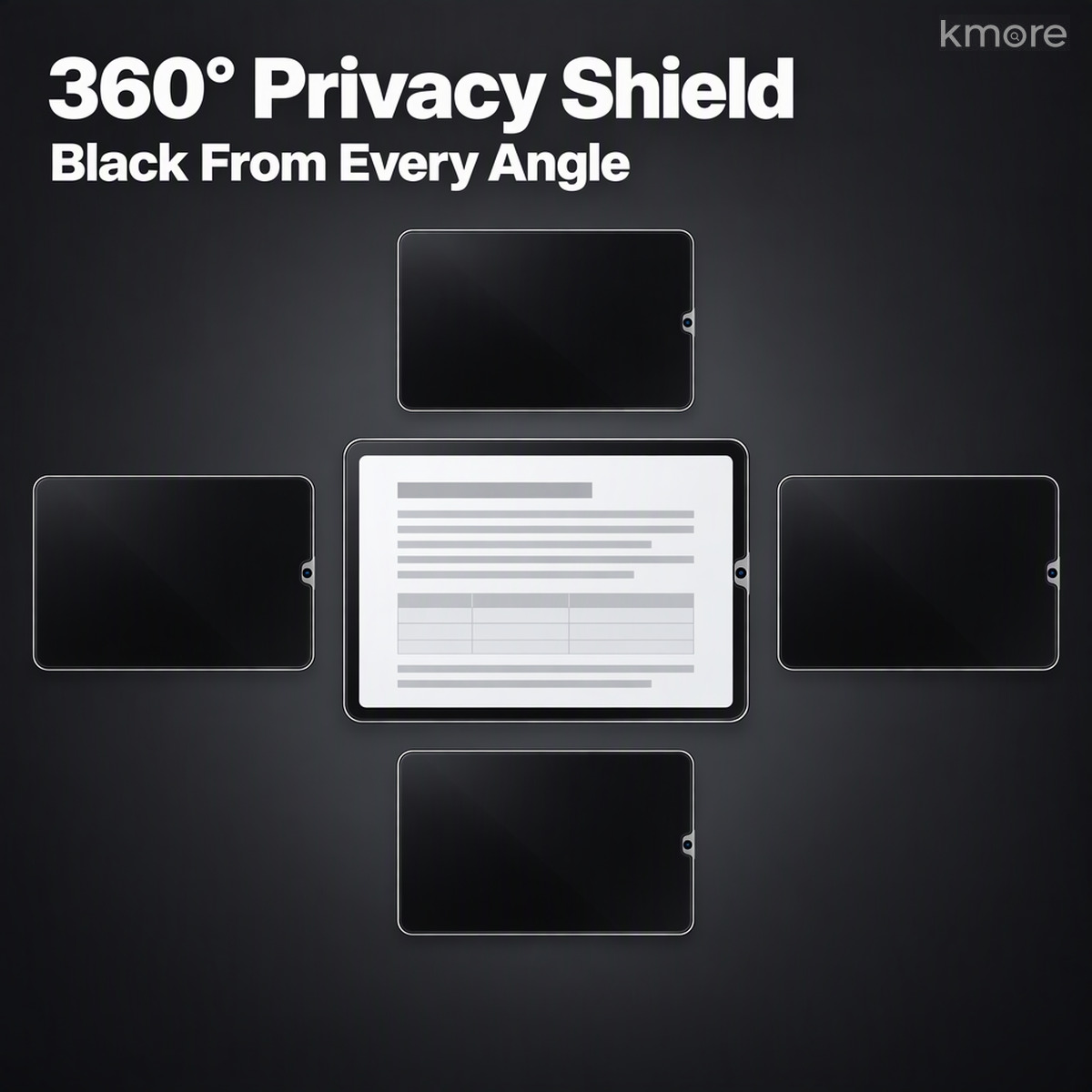
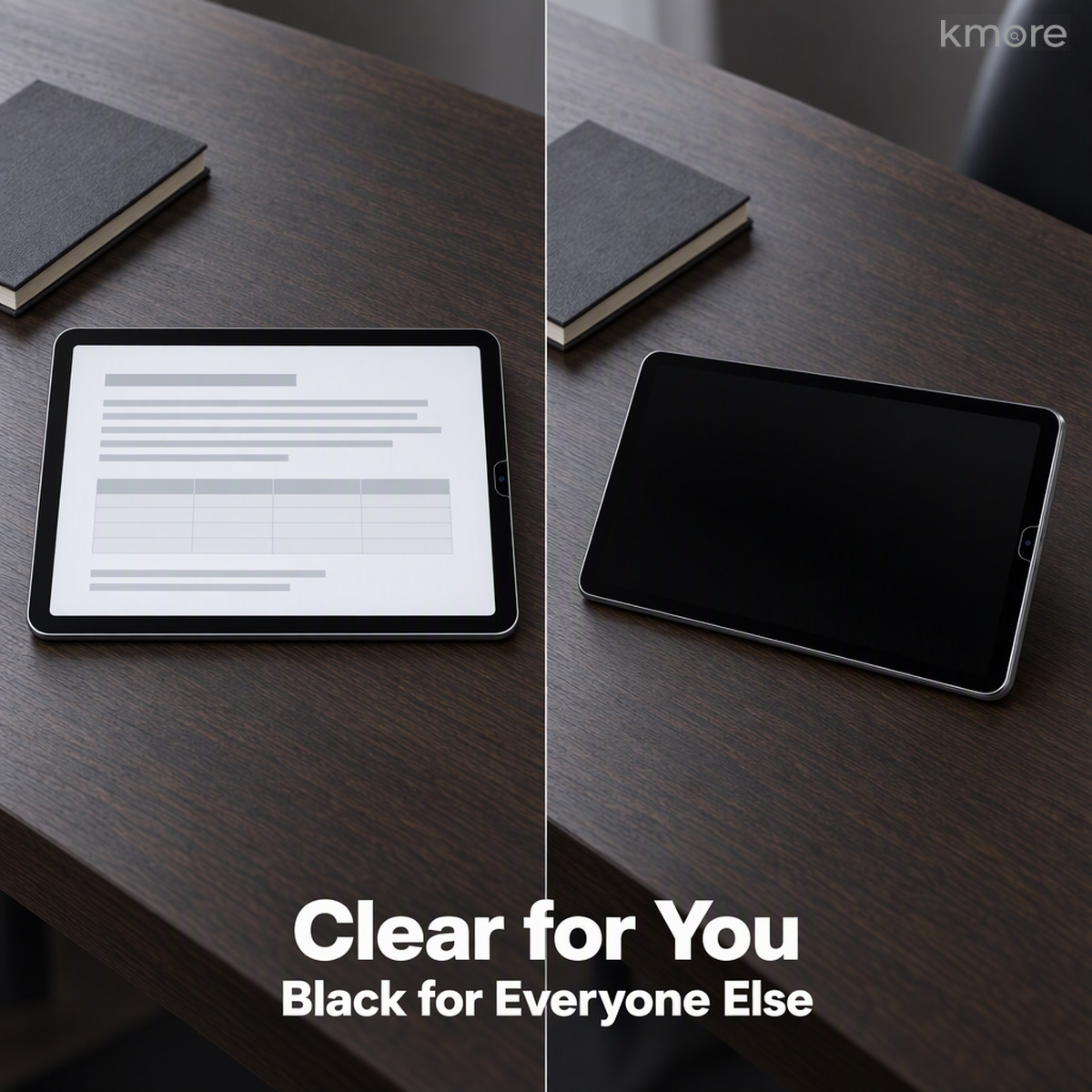
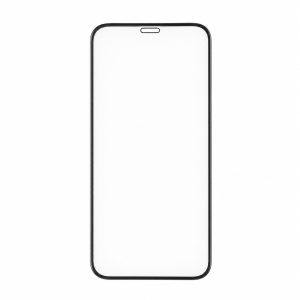
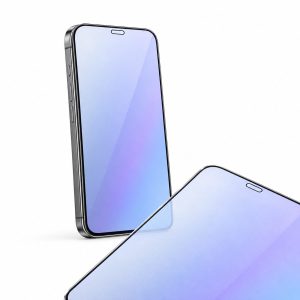
A privacy film that makes “only you can see it” a physical fact. Ultra-fine louvres and a nano-grating built into the glass lock the viewing angle on all four sides at once — above, below, left and right. Straight on, the screen is clear. From the side, from above, or from the seat opposite, it’s black.
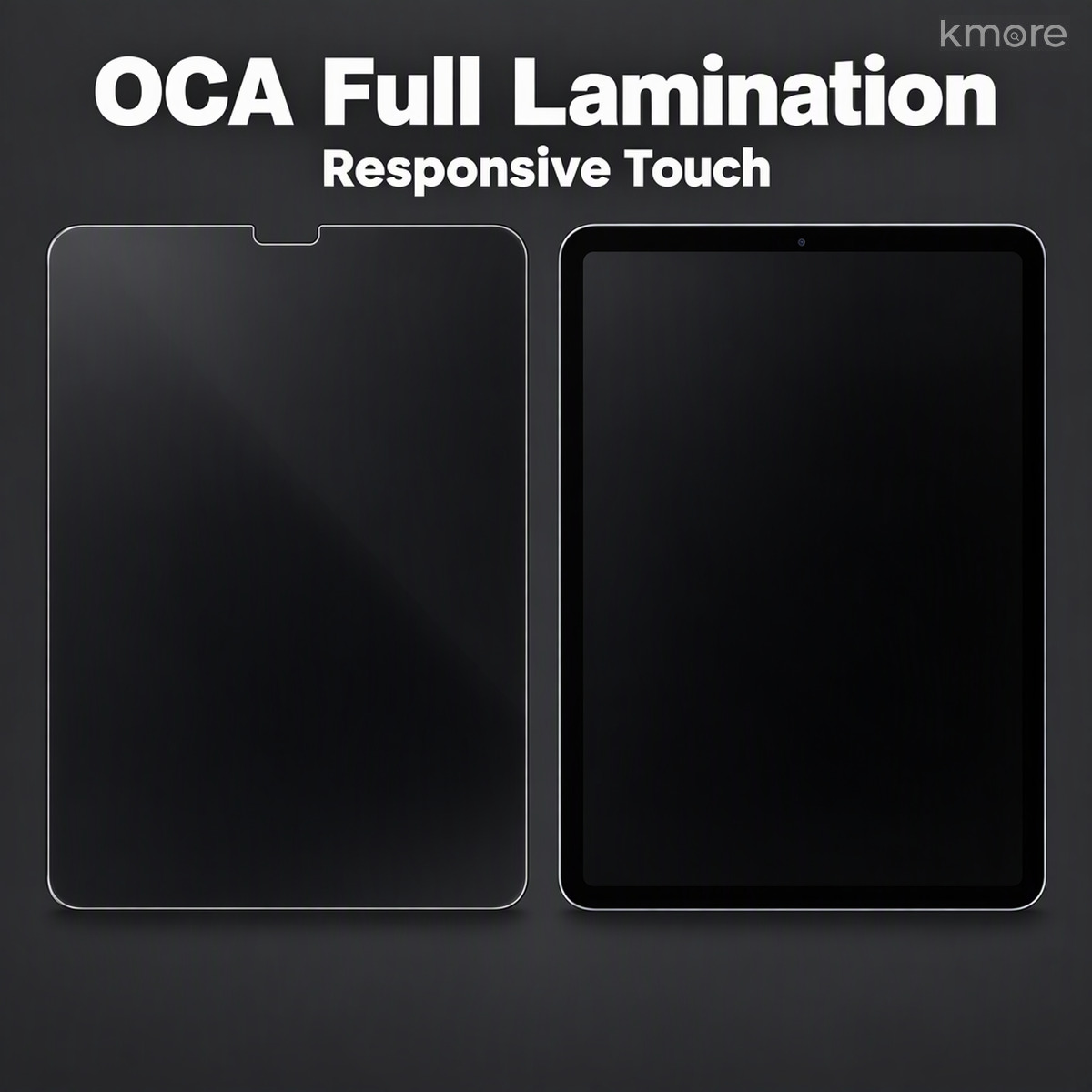
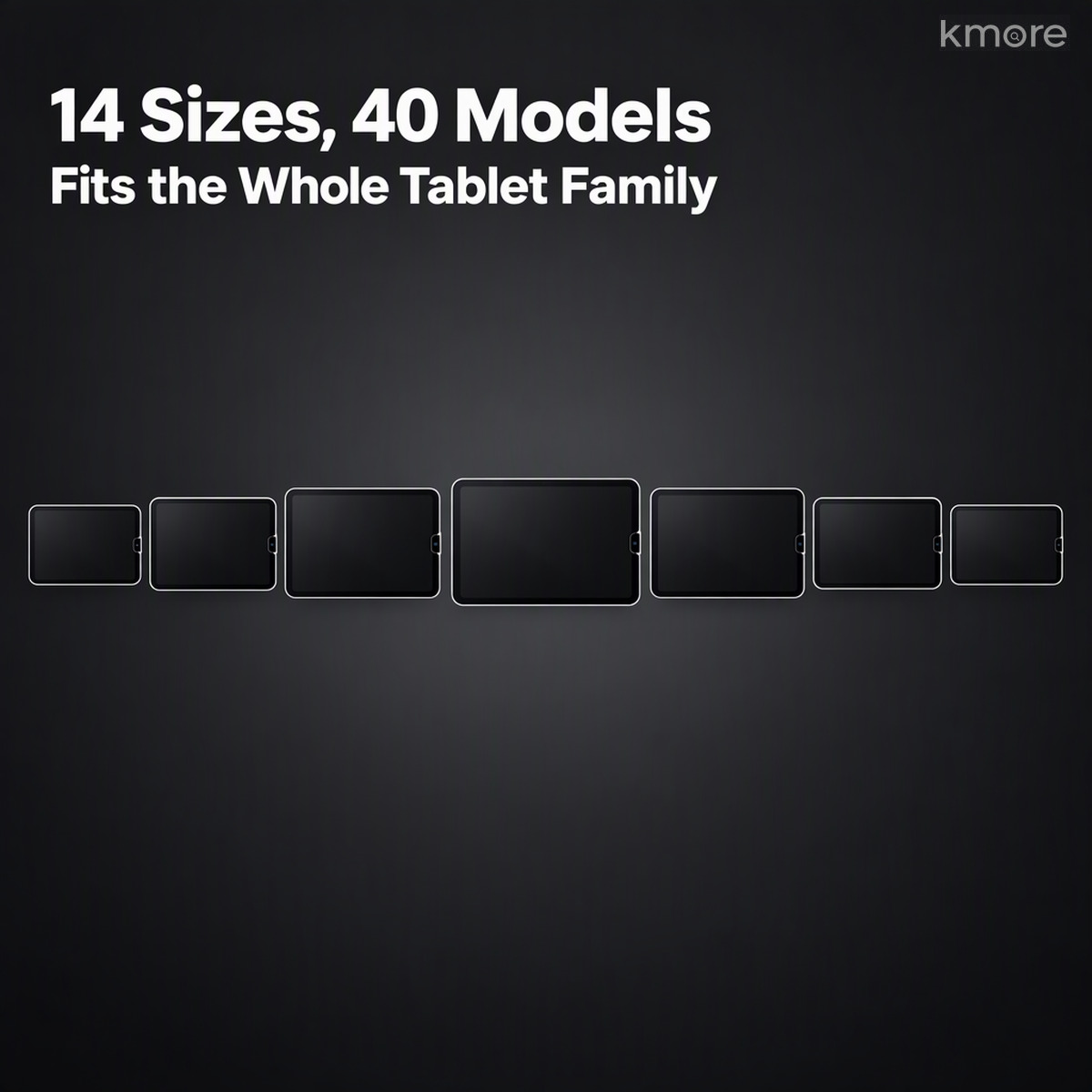
Common 180° privacy films only block left and right, leaving the seat opposite, the row behind and overhead angles with a clear view — 360° privacy closes those two gaps. The film is 9H aluminosilicate tempered glass with OCA full lamination for responsive touch, an electroplated oleophobic coating that wipes clean, and an anti-glare layer that cuts reflections. Cut 1:1 per model across 14 film specifications and 40 iPad models — on a train, a plane, in an open office or an exam room, look up and you see a black screen; look down and it’s yours.

Key Features
1. 360° Privacy on All Four Sides — No Blind Spots
An ultra-fine louvre and nano-grating structure restricts the viewing angle in all four directions at once: face the screen and it’s readable, step off-axis and the image darkens quickly to full black. The seat opposite, the row behind, the overhead angle — the views a 180° film leaves open, this one closes. Privacy here is a physical grating structure, not a coating, so the effect doesn’t fade.
Note: the grating reduces transmittance slightly, so we recommend raising screen brightness a little for the best straight-on image.

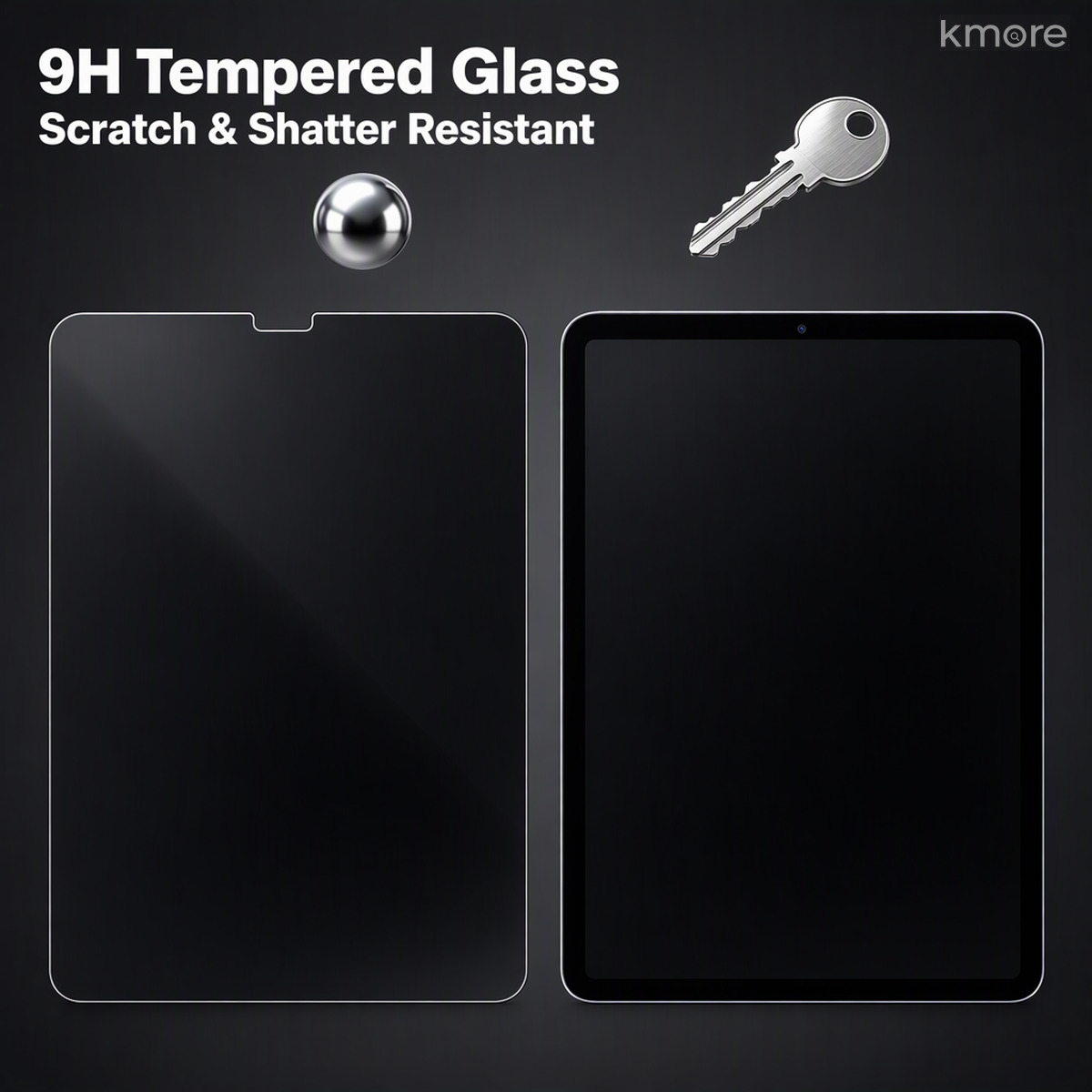
2. 9H Aluminosilicate — Shatter and Scratch Resistant
An upgraded aluminosilicate glass substrate reaches 9H surface hardness (pencil scale), so keys, coins and grit leave no marks. If it does break, it crumbles into blunt-edged fragments rather than flying splinters, absorbing the impact on behalf of the iPad’s own screen.

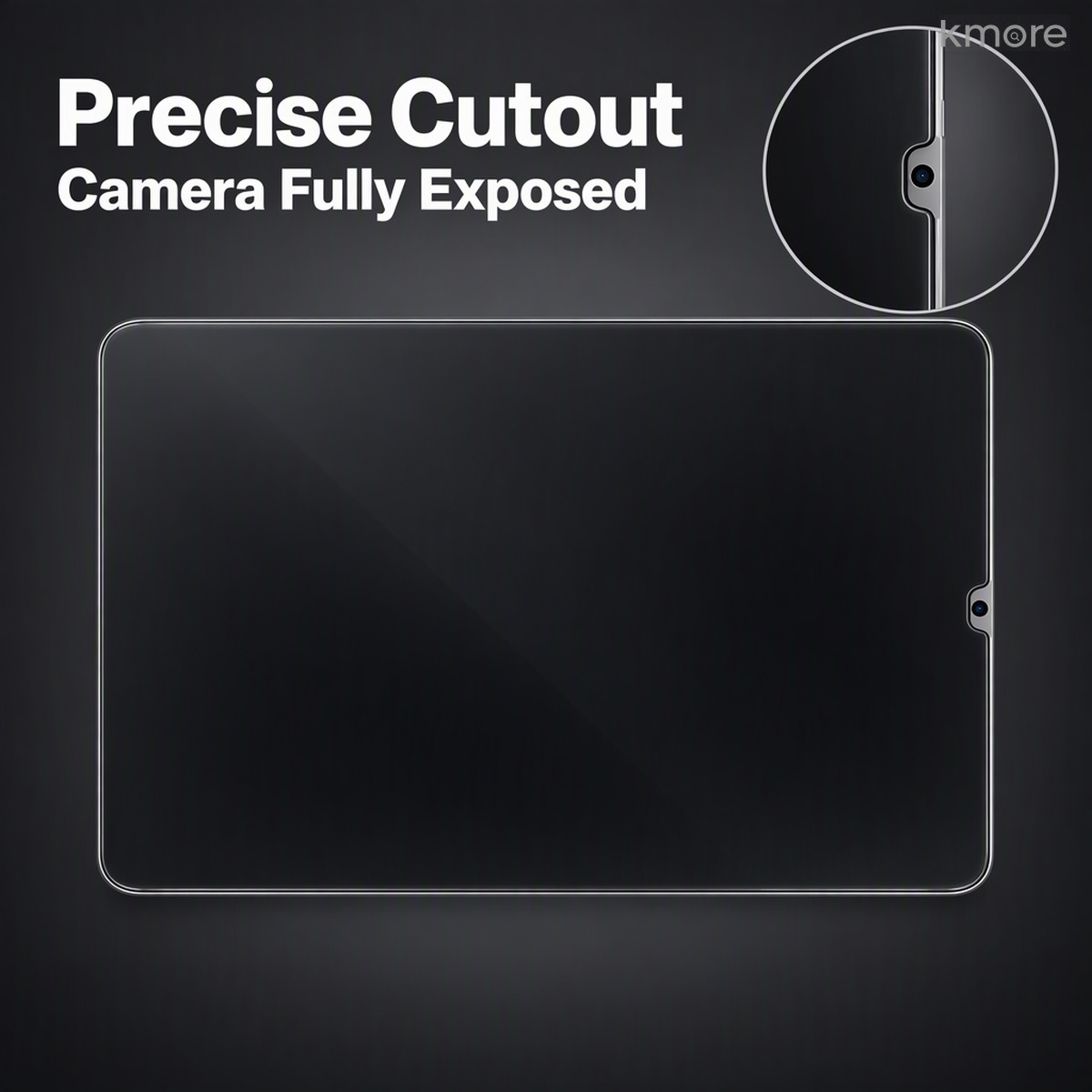
3. Precision Cutouts — Camera Clearance, No Loss of Function
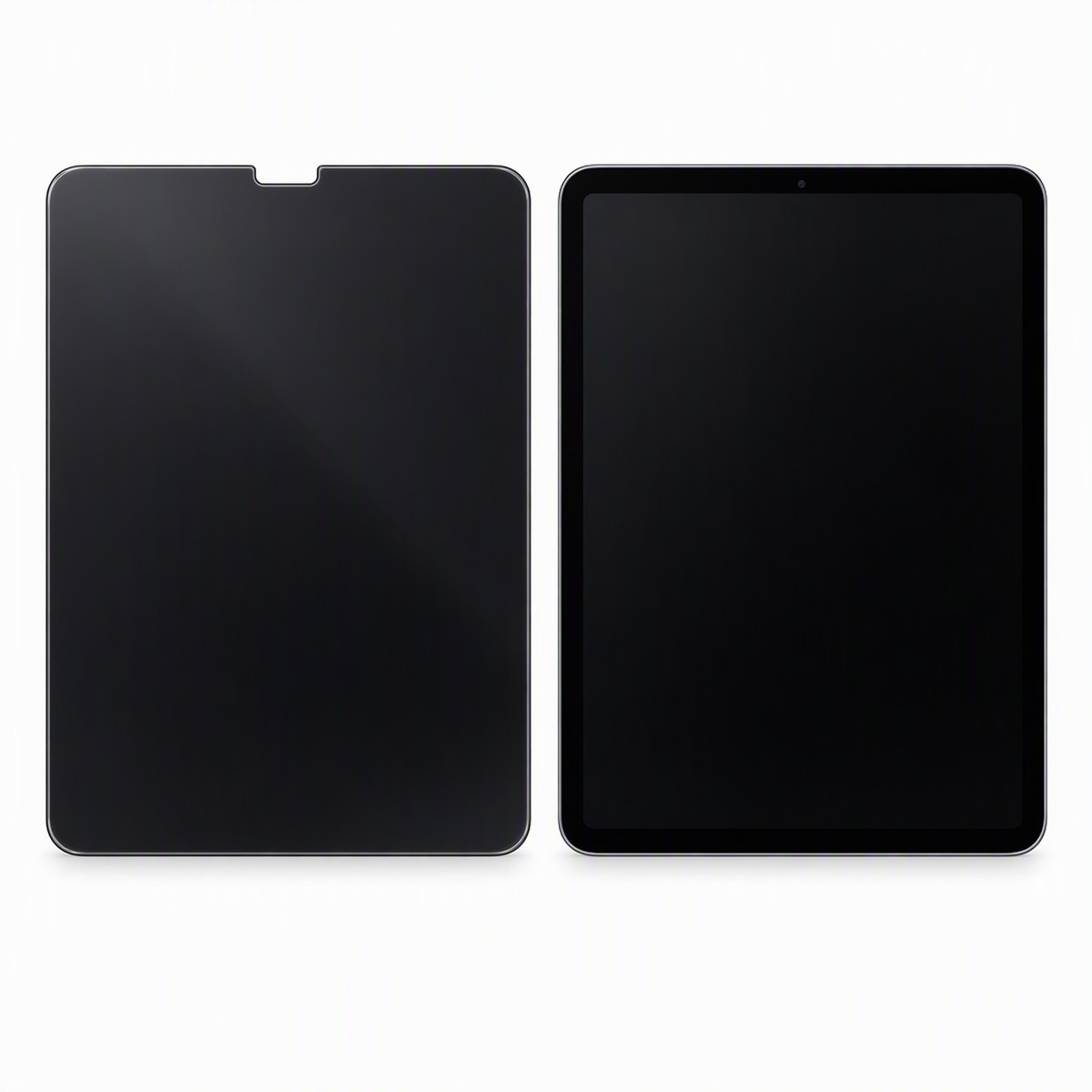
Tooled 1:1 from the real device, with a precise cutout for the front camera that lines up exactly with the housing. Nothing blocks the camera, touch or Face ID / fingerprint unlock, and the speaker is clear. Older models with a circular Home button have their own specification — just tell us the model and year when ordering.

4. OCA Full Lamination for Responsive Touch
OCA optical adhesive bonds across the whole surface, so the film stays flat without lifting at the edges and doesn’t trap dust. The layer adds very little touch latency — writing, drawing and swiping stay responsive, and there’s no edge whitening or bubbling over time.

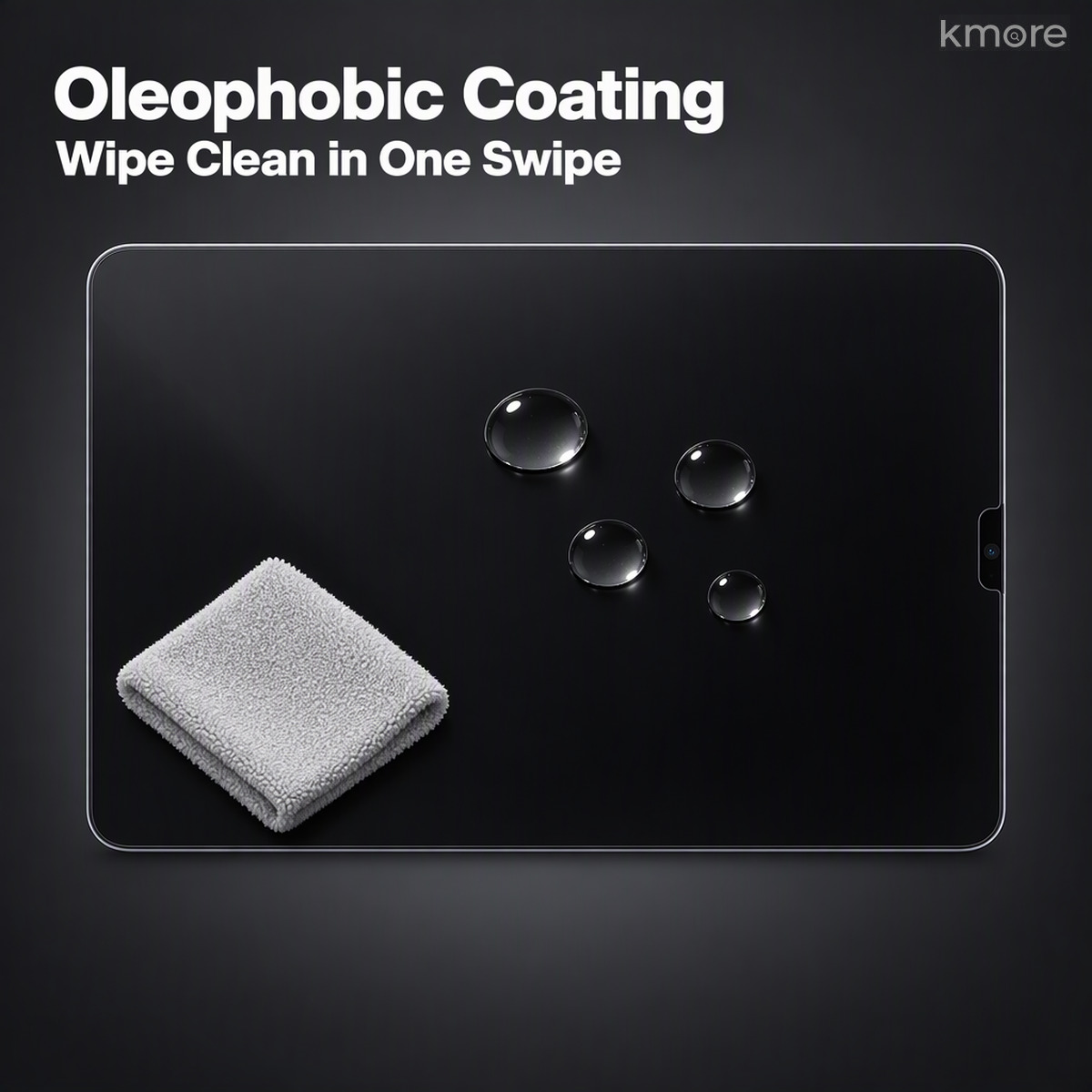
5. Electroplated Oleophobic Coating — Wipes Clean
A vacuum-electroplated oleophobic coating is distributed evenly, so fingerprints and oil struggle to cling and wipe away in one pass. Water beads up cleanly, and the screen stays smooth for the long run.

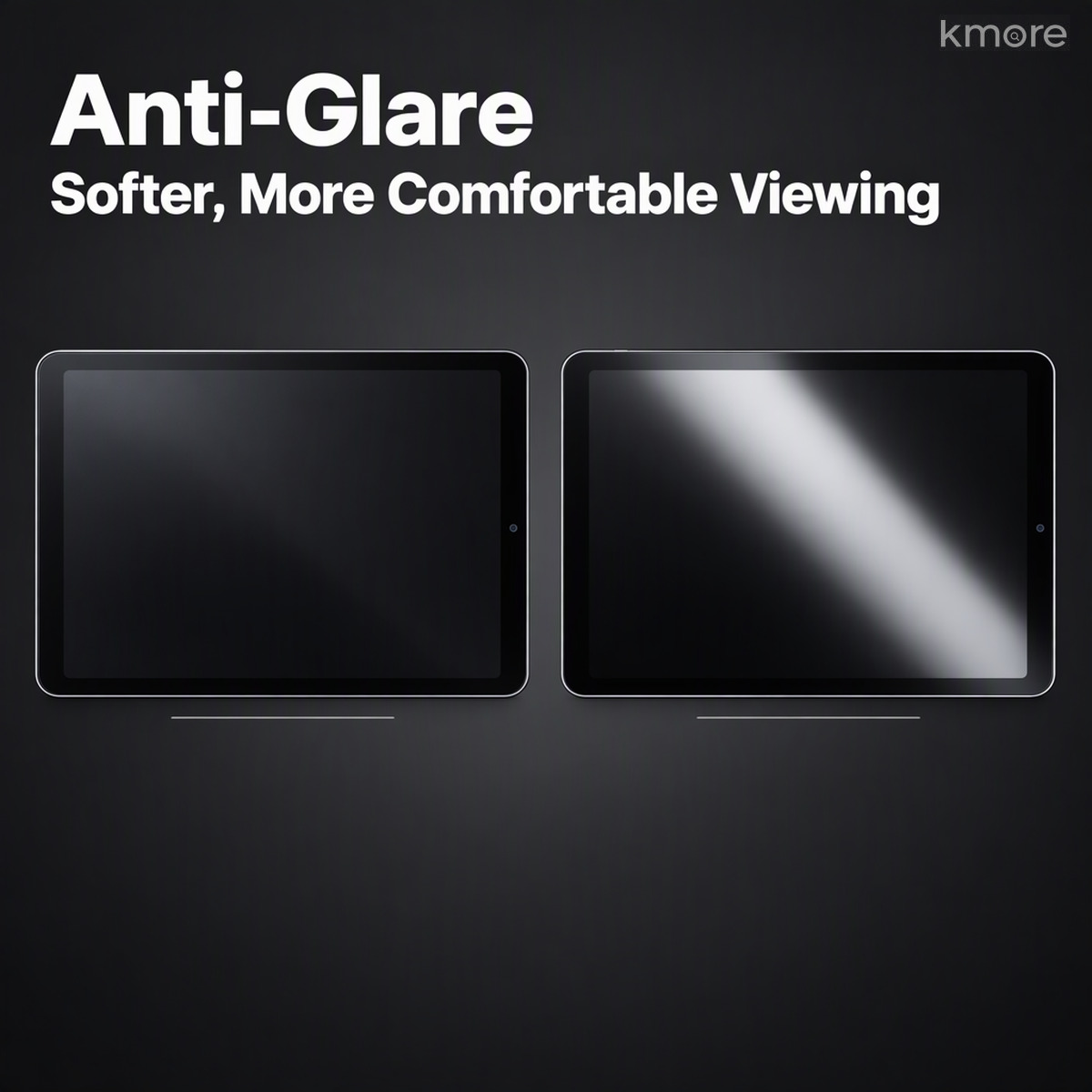
6. Anti-Glare, Anti-Reflection — More Comfortable in Bright Light
A composite anti-glare layer cuts strong reflections and glare, making the screen easier on the eyes outdoors, under direct lighting or next to a window. Combined with 360° privacy, it blocks both stray eyes and stray light.

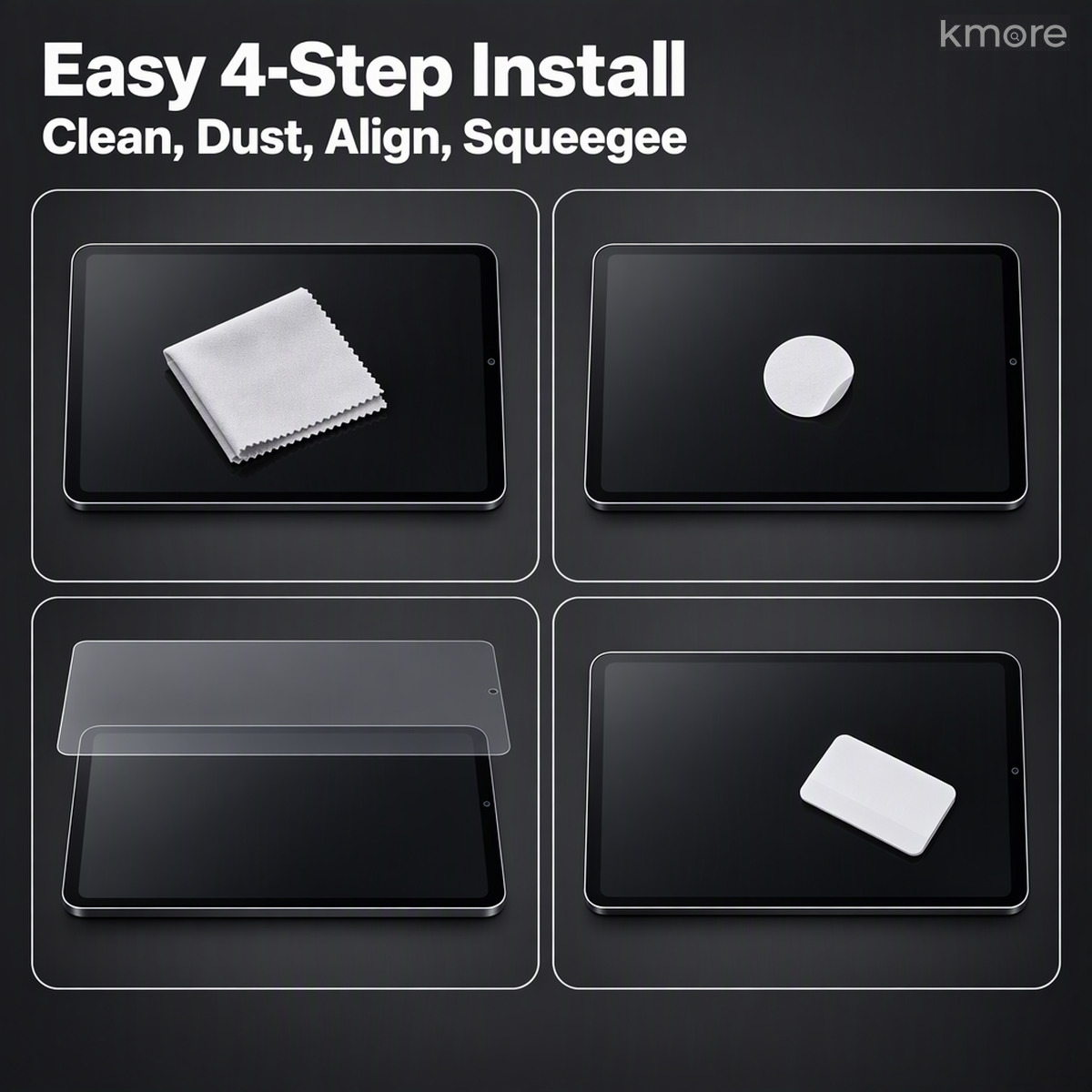
7. Tool-Free 4-Step Installation, Bubbles Self-Release
The kit includes a cleaning cloth, dust-removal stickers, wet and dry wipes, and a squeegee: wipe, lift dust, align while hovering, then squeegee flat. The OCA layer releases air naturally, so a first-timer can still get a clean, bubble-free result.

8. Real-World Use: Business Travel and Commuting
On a high-speed train or a plane the seat opposite is a stranger; at an open desk people walk past all day; in a café the next table only has to tilt their head. With a 360° privacy film, only you — looking straight at the screen — can read it. Everyone else sees a quiet black panel.

9. Cut 1:1 per Model — the Whole iPad Range (14 Specifications · 40 Models)
From the 7.9-inch iPad mini to the 13-inch iPad Pro, 14 film specifications cover 40 current and mainstream legacy models, including older units with a circular Home button (9.7″ / 10.2″ / 10.5″). Cutout position varies by model: where the front camera sits on the short top edge in portrait (iPad Pro 11, Air 4/5, mini), the notch is on the short edge; where it sits on the long edge (iPad 10/11, iPad Air M2 and later, iPad Pro M4/M5), the notch is on the long edge. Send us the model and year before ordering and we’ll ship the matching film.

Specifications
| Brand compatibility | Apple iPad |
|---|---|
| Model coverage | iPad / iPad Air / iPad mini / iPad Pro, multiple sizes (14 film specifications · 40 models) |
| Film type | 360° four-way privacy tempered glass |
| Privacy direction | Four sides — top, bottom, left, right (360°) |
| Privacy principle | Ultra-fine louvre / nano-grating optical structure (physical, does not fade) |
| Viewing effect | Clear straight on; darkens rapidly to full black off-axis |
| Substrate | Aluminosilicate tempered glass |
| Surface hardness | 9H (pencil scale; scratch and shatter resistant) |
| Thickness | Approx. 0.3 mm |
| Cutout process | Tooled per model with precise front-camera clearance (separate spec for older Home-button models) |
| Coatings | Vacuum-electroplated oleophobic layer + anti-glare, anti-reflective layer |
| Lamination | OCA optical adhesive, full-surface bond; resists edge lifting |
| Touch | Responsive; smooth for writing and drawing |
| Installation tools | Cleaning cloth, dust-removal sticker, wet and dry wipes, squeegee |
| In the box | Privacy tempered glass ×1, cleaning kit, dust-removal stickers |
Installation Tips (Tool-Free Method)
1. Prepare the environment — turn off fans and air conditioning to reduce floating dust. Wipe oil off the screen with the wet and dry wipes, then dry it with the cloth.
2. Deep dust removal — press the dust-removal sticker repeatedly along the edges and corners. This is the key to a bubble-free result.
3. Line it up — align the rounded corners and the camera cutout, confirm there’s no offset, then lower it into place in one motion rather than repositioning repeatedly.
4. Press it down — push the squeegee from the centre outwards at a steady pace. The OCA layer releases air naturally; give it a few seconds and fine bubbles disappear on their own.
5. Final check — confirm no lifting, no white edges and no bubbles at the corners; push out any remaining fine bubbles from the centre outwards.
6. Brightness tip — privacy film has slightly lower transmittance; after applying, raise screen brightness a little and the straight-on image will feel closer to bare glass.
In Real Use
(本款暂无独立场景图,可在详情图 08 之后接续使用)
Need a quote, samples or OEM/ODM customization?
We support silk-printed logos, custom color boxes, model-specific tooling and packaging. Send us your requirements — we reply within one business day.

Reviews
There are no reviews yet.